

11 followers•1w ago
AutoDraw Image ll Made by me ll Lunariel
Mobile ready
-- [[ Credits ]] --
Made by lunariel
DIscord User : @lunarielz
Version : 1.2
XENO, SOLARA DOES NOT SUPPORTED
Do not touch the canvas in the "Draw Me" script. If you touch the canvas after drawing, the drawing will immediately disappear; because it is an EditableImage, touching it causes the EditableImage to vanish and be replaced by another image. So, please do not touch anything on the canvas!
-- [[ Note ]] --
Please make sure you've read the instructions on how to paste an image URL before using it.
Android
Goggle Chrome : Find image → Click the image you want to draw → Hold the image → Open image in new tab → Copy the image URL from the search bar Kiwi & Brave : Find image -> click the image you want to draw -> Hold the image -> Copy image link
iOS
Make sure you are NOT using SAFARI. Please use Google Chrome → Find image → Click the image you want to draw → Hold the image → Click Share → Click Copy
PC
Any browser you want → Find image → Click the image you want to draw → Right mouse click → Click Copy image address If it ends with .html or anything else, then it is NOT an image.
-- [[ Features ]] --
[[ Main Tab ]]
[+] Auto Draw with Image URL
[+] Quantizion Feature
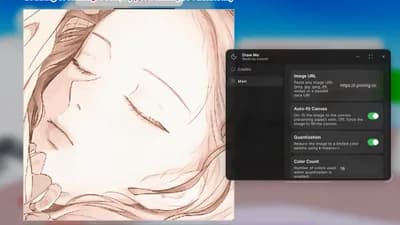
Draw Me [Auto draw]
Draw Me! 🎨
48.4K views
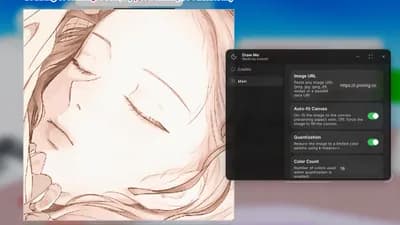
Draw Me Auto Draw
Draw Me! 🎨
54.1K views
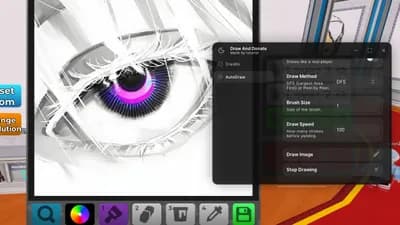
Auto Draw ll Made by me ll Lunariel
Draw & Donate 🎨
7.7K views
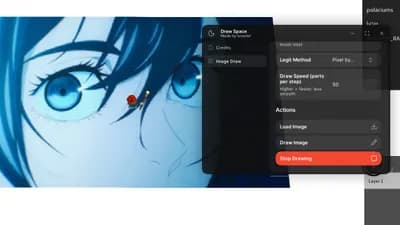
Auto Draw ll Made by me ll Lunariel
Draw Space 🎨
15.5K views
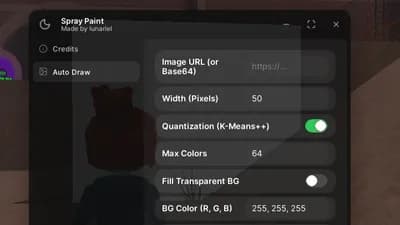
Auto Draw Using VituralInputManager l Made by me l Lunariel
❄️ Spray Paint!
30.2K views
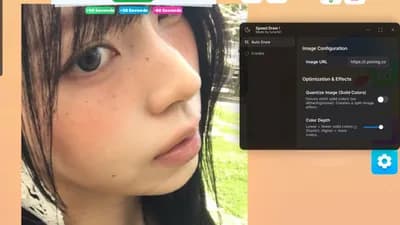
Auto Draw ll Made by me ll Lunariel
Speed Draw!
52.0K views
Draw Me [Auto draw]
Draw Me! 🎨
48.4K views
Draw Me Auto Draw
Draw Me! 🎨
54.1K views
Auto Draw ll Made by me ll Lunariel
Draw & Donate 🎨
7.7K views
Auto Draw ll Made by me ll Lunariel
Draw Space 🎨
15.5K views
Auto Draw Using VituralInputManager l Made by me l Lunariel
❄️ Spray Paint!
30.2K views
Auto Draw ll Made by me ll Lunariel
Speed Draw!
52.0K views
Comments
No comments yet
Be the first to share your thoughts!