

11 followers•1w ago
Auto Draw ll Made by me ll Lunariel
Mobile ready
-- [[ Credits ]] --
+ Made by Lunariel
+ Discord User : @lunarielz
+ Version : 1.1 - READ THE INSTRUCTION CAREFULLY BEFORE USE !
+ XENO, SOLARA, LOW UNC EXECUTOR DOES NOT SUPPORTED !
-- [[ INSTRUCTION ]] --
Please make sure you've read the instructions on how to paste an image URL before using it.
Android
Goggle Chrome : Find image → Click the image you want to draw → Hold the image → Open image in new tab → Copy the image URL from the search bar Kiwi & Brave : Find image -> click the image you want to draw -> Hold the image -> Copy image link
iOS
Make sure you are NOT using SAFARI. Please use Google Chrome → Find image → Click the image you want to draw → Hold the image → Click Share → Click Copy
PC
Any browser you want → Find image → Click the image you want to draw → Right mouse click → Click Copy image address If it ends with .html or anything else, then it is NOT an image.
If it ends with .html or anything else, then it is NOT an image.
--[[ Feature ]] --
[+] Auto draw with image URL
[+] Customize Image Size
[+] Quantizion Amount Colours
[+] Draw Method (DFS / Horizontal / Pixel by Pixel)
Game lagger
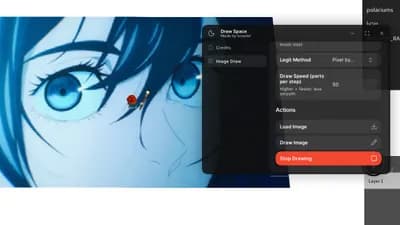
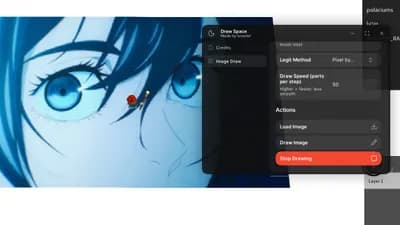
Draw Space 🎨
47.3K views
Auto Draw ll Made by me ll Lunariel
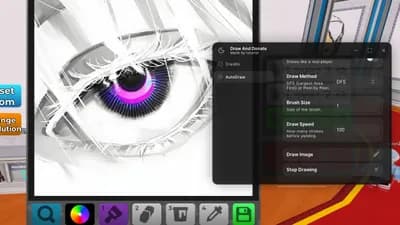
Draw & Donate 🎨
7.5K views
AutoDraw Image ll Made by me ll Lunariel
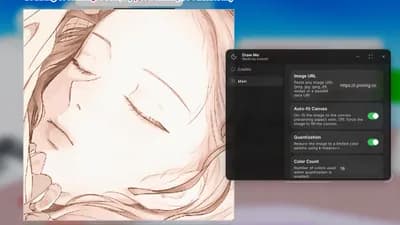
Draw Me! 🎨
19.6K views
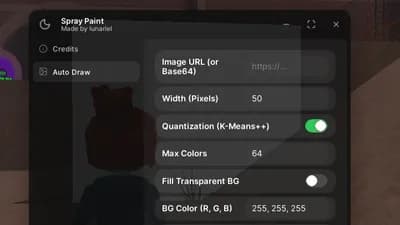
Auto Draw Using VituralInputManager l Made by me l Lunariel
❄️ Spray Paint!
30.1K views
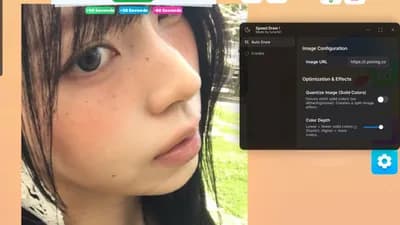
Auto Draw ll Made by me ll Lunariel
Speed Draw!
51.9K views
OweHub auto draw steal art draw from link
Draw & Donate 🎨
47.9K views
Game lagger
Draw Space 🎨
47.3K views
Auto Draw ll Made by me ll Lunariel
Draw & Donate 🎨
7.5K views
AutoDraw Image ll Made by me ll Lunariel
Draw Me! 🎨
19.6K views
Auto Draw Using VituralInputManager l Made by me l Lunariel
❄️ Spray Paint!
30.1K views
Auto Draw ll Made by me ll Lunariel
Speed Draw!
51.9K views
OweHub auto draw steal art draw from link
Draw & Donate 🎨
47.9K views
Comments
es Visual para el jugador,ya lo probe con 2 cuentas
Cold script, in a good way. Tuff script.