![[UI-Library] EUGENEv3 UI Library](/_next/image?url=%2Fassets%2Fscripts%2F6a3b063b6969e5197fd1f59f_1782253117742_0WvzKtTGXs_0.webp&w=3840&q=90)
Views: 35.8KExecutions: 568ExecutionsHow many times people ran this script. Copying it, downloading it or running it with the raw link all count. Max 10 per person a day.

- Keyless
- Mobile friendly
Advertisement
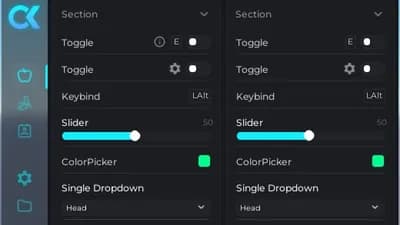
Why EUGENEv3 UI Library?
Dual-Input System: Choose between classic Mouse Control or the revolutionary Keyboard Mode. Navigate lightning-fast using arrow keys – Power users will love it!
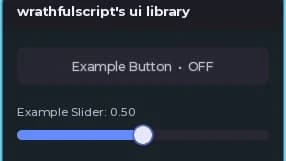
Night Theme Design: A sophisticated, dark color scheme that is easy on the eyes and looks professional.
Complete Control: Customizable banners, custom footer texts, and smooth tweens for the ultimate user experience.
Secure & Exclusive: Integrated Mobile Check (PC only!) and a robust modal system for complex inputs.
Highlights:
Lightning-fast load times through optimized logic.
Intelligent Deselect System – The UI automatically cleans up after every activity.
Extensive API – Everything from Color Pickers to complex Config Managers is included.
Forget old v2 libraries. Get the new standard for your scripts now!
Support & Community:
Join our Discord for updates and help: https://discord.gg/pBahTjV9Nk
Advertisement
Share what works, ask questions, or report an issue.
spectral_ezz_u
i cracked it ez :heart-durr:use another obf
gscriptsofficial
stealer i deobf it
VeyraS1
I will make my own ui library inspired by this but easily accessable in GitHub.
11 lines · 376 B



1337VerifiedDU BIST GUT GENUG Troll Tower