

Views: 30.8KExecutions: 1.1KExecutionsHow many times people ran this script. Copying it, downloading it or running it with the raw link all count. Max 10 per person a day.

- Key required
- Mobile untested
Advertisement
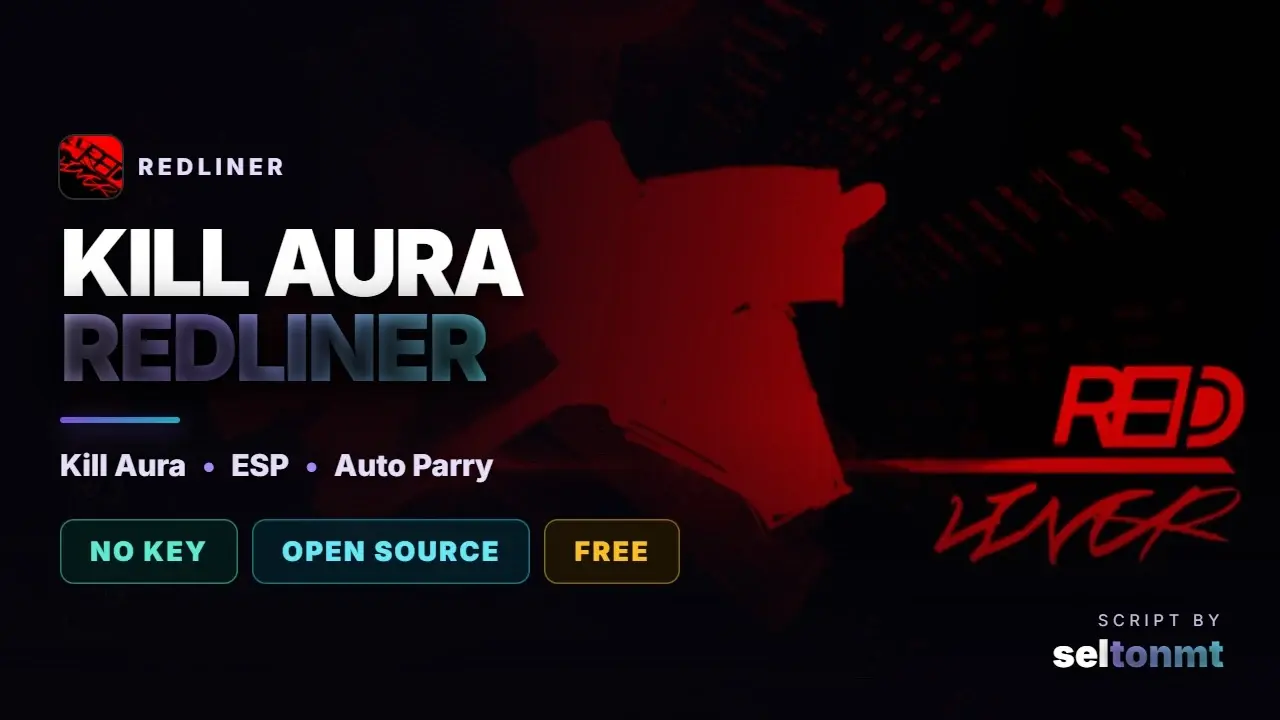
Aimbot: Automatically aims at opponents so you never miss your attacks.
Aimbot Key (Hold): Aims at enemies only while you hold down the chosen key.
Aim Part: Lets you choose where the auto-aim targets (Head, Torso, Arms, or Legs).
Smoothness: Makes the auto-aim movement slower and smoother so it looks natural
Max Distance: Sets the distance limit for the auto-aim to start locking on. ·
Show FOV: Draws a circle on your screen showing the auto-aim range.
FOV Size: Increases or decreases the size of the aim range circle.
Auto Parry (Glint): Automatically blocks enemy attacks as soon as the attack flash appears.
Proximity Parry: Automatically blocks attacks when an enemy gets too close to you.
Parry Range: Sets how far away an enemy can be for the auto-block to trigger.
Parry Cooldown: Adjusts the wait time between each block attempt.
Melee Range: Adjusts how close an enemy has to get to trigger the proximity block.
Triggerbot: Automatically attacks whenever an enemy is directly in your crosshair.
Cooldown (s): Adjusts the delay between each automatic attack. ·
Random Kill Sound: Plays a funny sound effect every time you defeat an opponent
Enable Hitbox: Increases the size of enemy body parts to make them much easier to hit.
Size: Adjusts how big you want to make the enemy bodies.
Show Outline: Draws a red box on your screen just to show you the size and location of the enemies' expanded hitbox.
Player ESP: Activates the player tracker through walls. It only displays the Name and Distance over obstacles to keep the script safe and undetected.
ESP Name: Displays only the player's name through walls (safe method to prevent bans).
ESP Distance: Displays only the player's distance through walls (safe method to prevent bans).
Advertisement


OvertimeREDLINER

pxl3REDLINER
SeltonmtREDLINER


ViltozzREDLINER


noir_rREDLINER
Tap a chip for community notes
Share what works, ask questions, or report an issue.
No comments yet. Be the first to share your experience with this script.
11 lines · 438 B