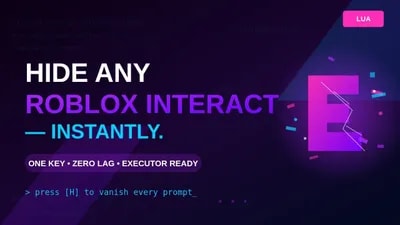
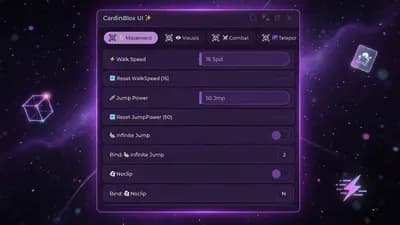
Hides every ProximityPrompt ("Press E to Interact") in any Roblox game with a single keystroke. Perfect for cinematic recording, screenshots, showcases, and clean gameplay footage.
Manual refresh: Tap H off → on to re-scan after exploring new areas.
Zero lag: No loops, no heartbeat, only runs when you press the key.
Re-execution safe: Auto-disconnects old listeners to prevent memory leaks.
Universal: Works on any game using standard ProximityPrompt.
Use cases:
Cinematic video recording
Clean thumbnails and screenshots
Map and build showcases
Roleplay streaming immersion
Minimalist exploration
How to use:
Hotkey customisable, replace Enum.KeyCode.H with any KeyCode you prefer.
Note: Only affects standard ProximityPrompt instances