

82
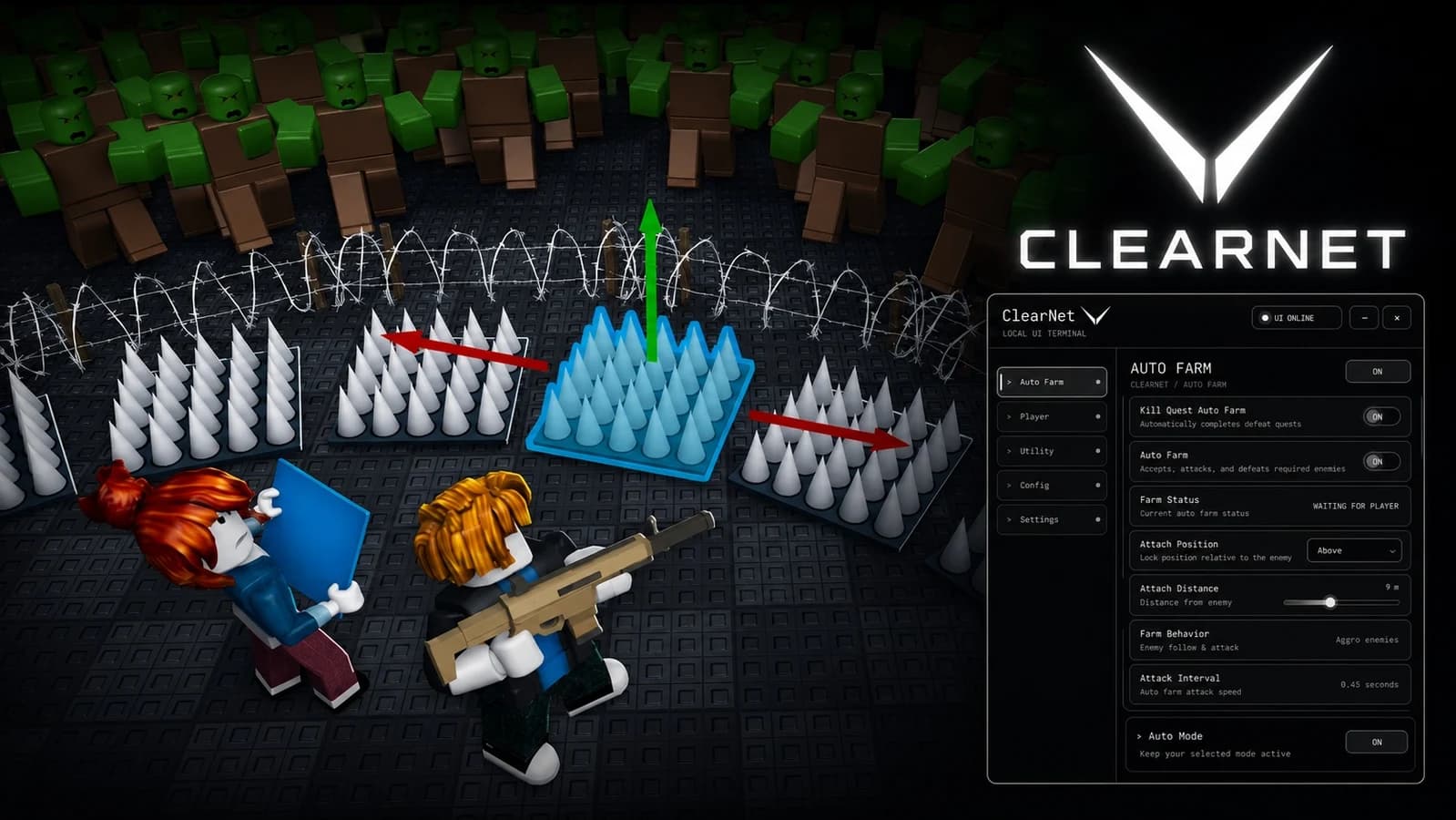
WilonityHub Script for Survive Zombie Arena is a powerful utility hub designed to improve farming efficiency and provide additional gameplay assistance. It includes automation features such as Auto Farm, Auto Kill, and Auto Upgrade, along with combat utilities that help players progress through zombie waves faster.
Features
Auto Kill – automatically attacks zombies and helps eliminate enemies during waves.
Auto Farm – automates farming actions to improve progression.
Auto Upgrade – automatically upgrades available equipment and abilities.
Priority Guns – allows selecting preferred weapons for automatic upgrades.
Combat Settings – provides additional combat-related configurations.
Players – contains player-related utilities and options.
Movement – provides movement customization features.
Visuals – includes visual assistance options.
Utility – contains additional quality-of-life features.
Settings – allows customization of the script interface and options.
How to use
To use the Survive Zombie Arena Script, join the game, open a compatible Roblox executor, and execute the script while you are inside the experience. After the Valence V1 hub appears, configure the available features such as Auto Farm, Auto Kill, and Auto Upgrade according to your preferences, then return to the game and let the enabled options run.
Game Page
Survive Zombie Arena
Tap a chip for community notes
9 lines · 420 B

Survive Zombie Arena
Survive Zombie Arena
Survive Zombie Arena
Survive Zombie Arena

Survive Zombie Arena

Survive Zombie Arena

Comments
Join the discussion about this script.
No comments yet. Be the first to share your experience with this script.