
Views: 1.6KExecutions: 870ExecutionsHow many times people ran this script. Copying it, downloading it or running it with the raw link all count. Max 10 per person a day.

Copy it, then tell others if it worked.
- Keyless
- Mobile friendly
Advertisement
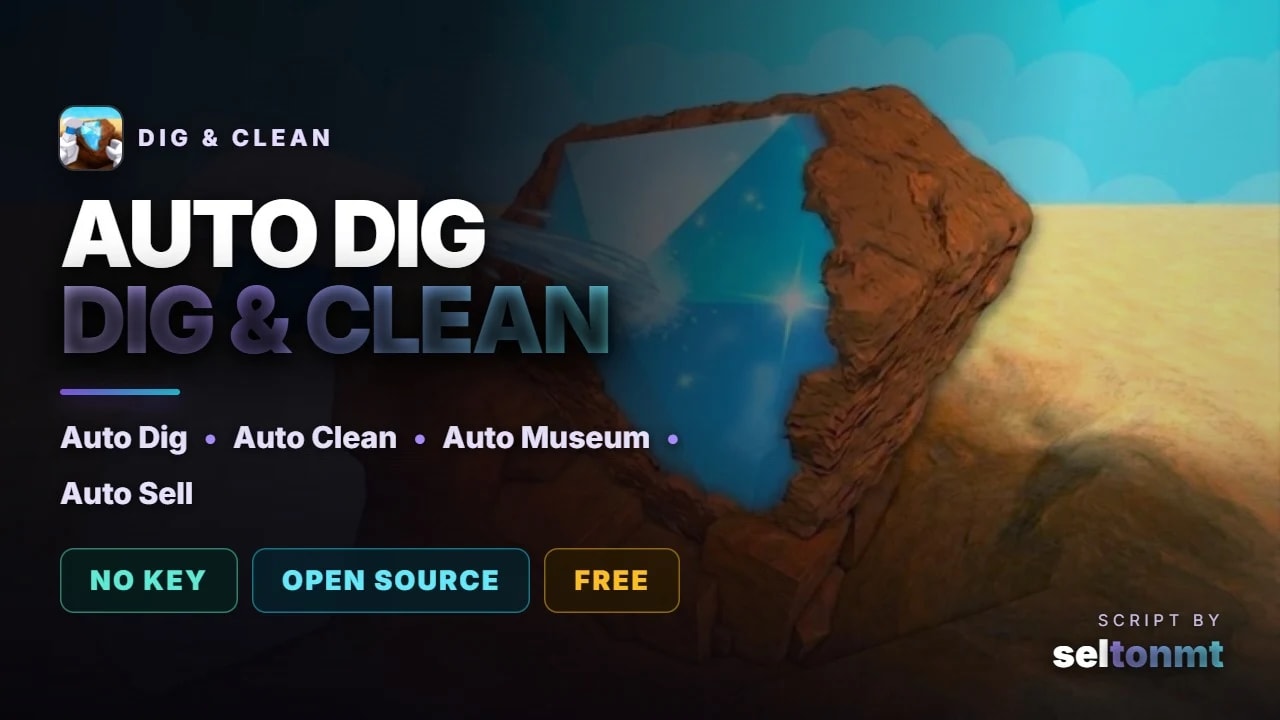
Full auto farm for Dig & Clean. It digs, cleans, puts your best finds in the museum and sells the rest.
UPDATE 26.09.2026
Digging works again after the game's update (new dig system)
Selling works again - it travels to the only seller on Home Beach, puts the shovel away, sells and travels back
Teleports instead of flying around
No more walking back and forth to the gear shop
Only buys real gear upgrades
Exhibits no longer count as a full backpack
Skips finds that are too hard for your shovel right away (reads each find's real difficulty)
Puts every better find on display - swaps out weaker exhibits as soon as something is more valuable
FEATURES
Auto Dig - picks the rarest spot in range, then the nearest
Auto Clean - skips the spray minigame outright, 2s per item
Auto Museum - keeps the best pieces on the pedestals and swaps them up as better ones come out
Auto Sell for everything else
Auto Gear - buys and equips the best shovel, spray and detector you can afford
Auto offline earnings and free pack
HOW TO RUN
1. Copy the script below
2. Execute it in your executor
3. Press RightShift for the panel
4. Switch AUTO on
No key, no ads, and it never spends Robux - the gamepass shop and every pack stay shut.
Open source, read it before you run it:
https://github.com/seltonmt012/sel01-rbx/blob/main/games/digclean.lua
Measured: 5.2s per dig at 11 clicks/s while the game allows 50/s. The museum is the passive half - one duck on a pedestal carried Gold from 174 to 2472 during a single dig.
Tested on Potassium (Windows). Panel: RightShift.
Advertisement

Hassan915Dig & Clean 🧼

raywareDig & Clean 🧼




hidleyDig & Clean 🧼
Tap a chip for community notes
Share what works, ask questions, or report an issue.
No comments yet. Be the first to share your experience with this script.
12 lines · 534 B