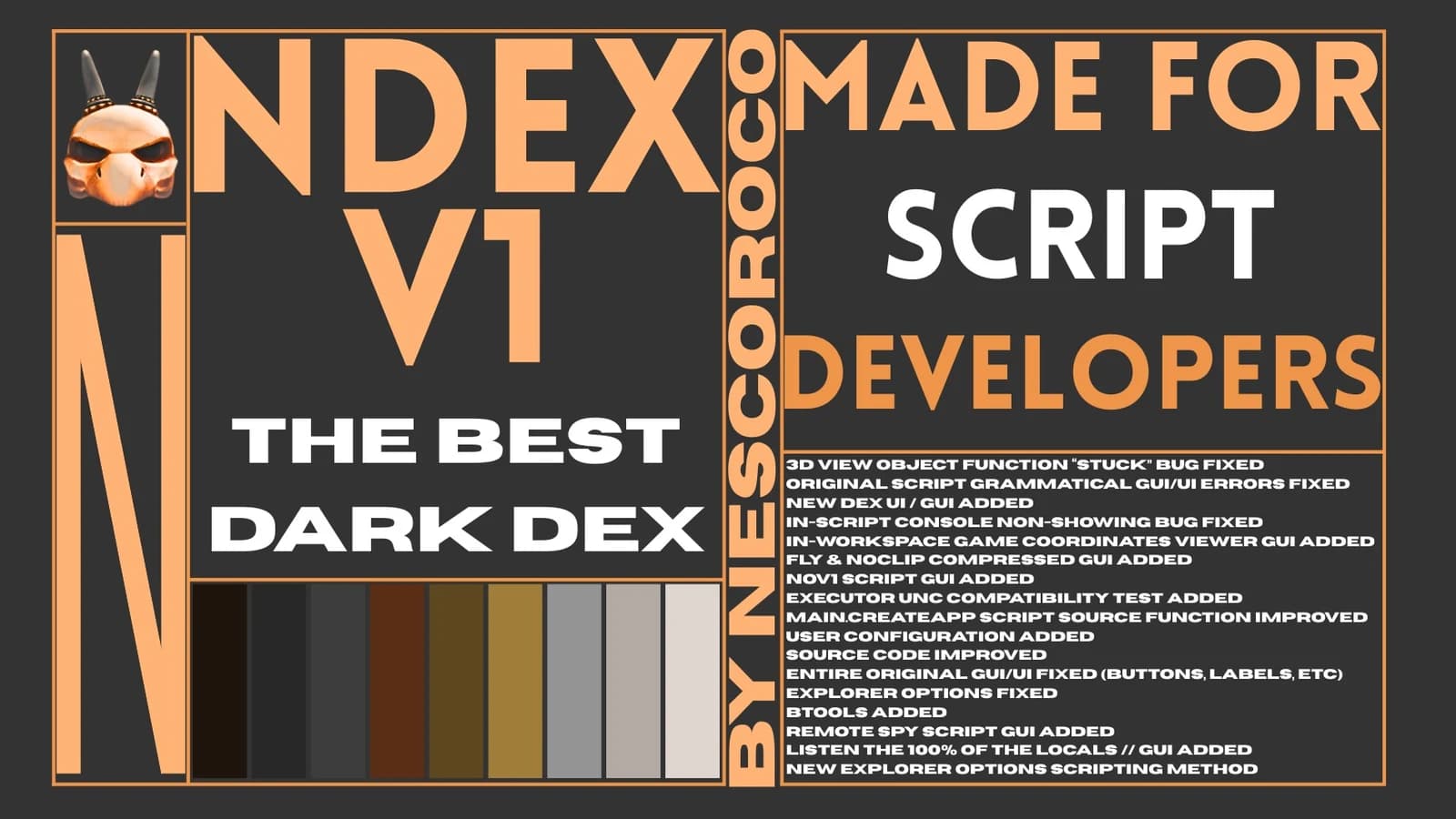
features:
• clean graphic design: premium matte frame with themed accent outlines.
• synchronized intro: smooth opening fade animations.
• instance tracking: tap the log button next to any item to print its file path straight into the developer command window.
• object deleter: tap the red delete button to wipe walls, vip doors, paywalls, or barriers completely off your screen so you can walk right through them.

how to use the log console:
• pc players: press the f12 key on your keyboard layout.
• mobile / ipad players: open your in-game chat box, type exactly '/console' and press enter to open the log readout menu.

![[UNIVERSAL] z/explorer V1 | Standalone Instance Viewer & Obj](/_next/image?url=%2Fassets%2Fscripts%2F6a09e6d231391c6bfc300791_1779033811002_5Tr7aaCjC3_0.webp&w=3840&q=90)