Views: 2.1KExecutions: 553ExecutionsHow many times people ran this script. Copying it, downloading it or running it with the raw link all count. Max 10 per person a day.

Copy it, then tell others if it worked.
- Keyless
- Mobile friendly
Advertisement
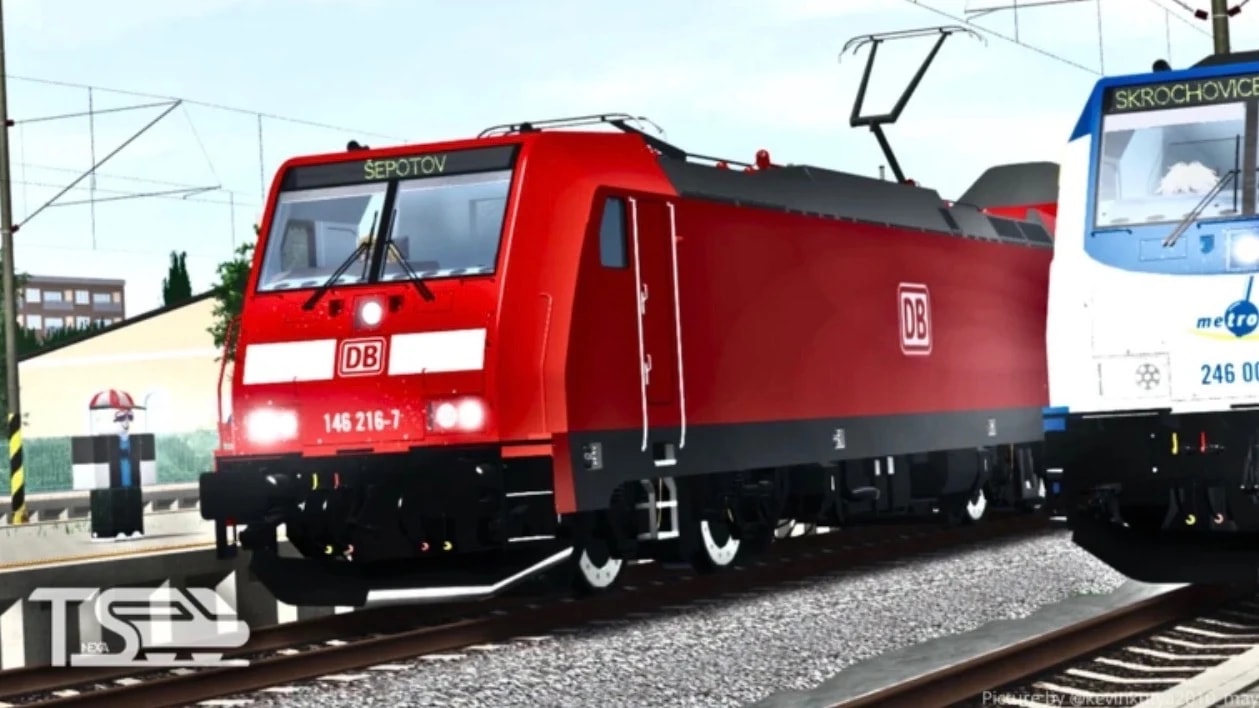
🚂 [NEW TRAINS] Train Sim Script | Delta Executor Supported (Keyless & Auto-Farm)
Take full control of your locomotive experience in Project [NEW TRAINS] Train Sim with this advanced, fully optimized keyless utility suite built specifically for Delta Executor (Mobile & PC).
Featuring real-time velocity instrumentation, automated passenger farming routes, velocity governor overrides, and track signal manipulation, this script is designed to deliver maximum performance without crashes or missing dependencies.
🔥 Key Features & Capabilities
🤖 Automated Passenger Route Farming:
Fully automated station-to-station navigation and passenger route looping.
Smooth PID decelerations on station approach with automated platform stopping.
Auto-dwell timers with automated passenger door controls.
⚡ Speed & Physics Governor Overrides:
Infinite Power Surge: Bypasses engine speed limiters for high-velocity acceleration.
Anti-Derail Alignment Lock: Keeps carriage geometry anchored around sharp track curves.
Emergency Magnetic Brakes: Instantly stops train momentum at any speed.
Collision Bypass: Allows carriages to glide through world obstacles smoothly.
📊 Live Telemetry & Instrumentation HUD:
Real-time velocity outputs (KM/H, MPH, and Studs/sec).
Train assembly mass calculator and carriage link inspector.
G-Force and track gradient slope meters.
👁 3D Rail ESP Suite:
High-visibility 3D billboards for Station Platforms, Rail Signals, and Junction Switches.
Dynamic approach distance meters rendering through terrain.
⚙️ System Utilities:
Built-in Anti-AFK system to prevent idle disconnections.
Server Hop & Rejoin integrations.
Drag-and-drop modern dark glassmorphism interface.
💻 Supported Executor
Delta Executor (Mobile / Android / PC) — 100% Tested & Working
Modern Execution Environments (Hydro, Codex, Vega X, Wave)
📜 How to Use in Delta Executor
1. Open [NEW TRAINS] Train Sim on Roblox.
2. Inject/Open Delta Executor.
3. Copy the loadstring script from RScripts.
4. Paste it into the script editor and tap Execute.
5. Use Right Control or Insert to toggle menu visibility.
Advertisement
Tap a chip for community notes
Share what works, ask questions, or report an issue.
No comments yet. Be the first to share your experience with this script.
10 lines · 546 B

FingerStudiosScriptsTrain Sim


Beeswarm2Bee Swarm Simulator Modded


onlythebestscriptsTraining To Climb

YourBaeOnthel Purwodadi