Views: 96Executions: 61ExecutionsHow many times people ran this script. Copying it, downloading it or running it with the raw link all count. Max 10 per person a day.

Copy it, then tell others if it worked.
- Key required
- Mobile friendly
Advertisement
Advertisement
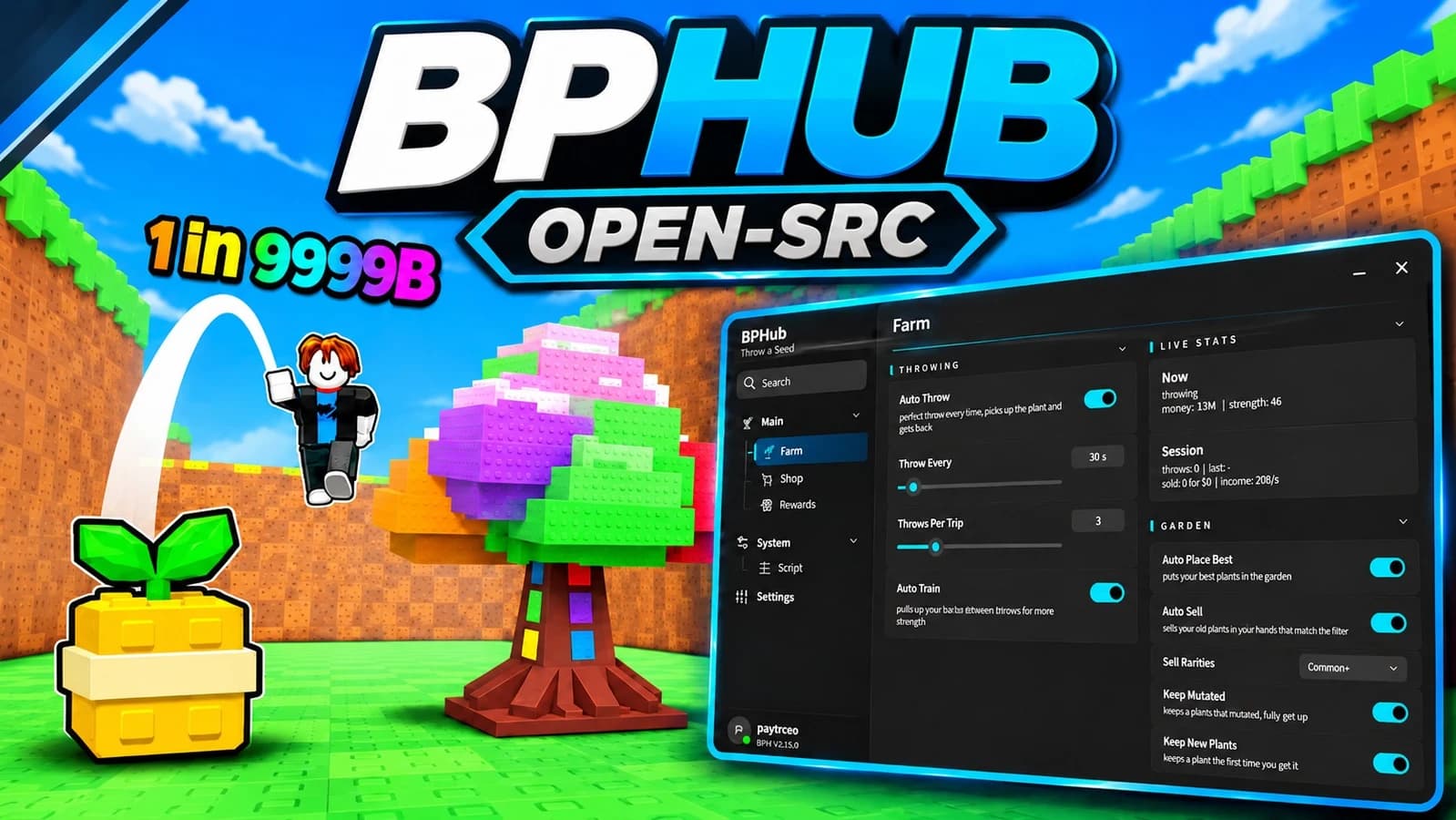
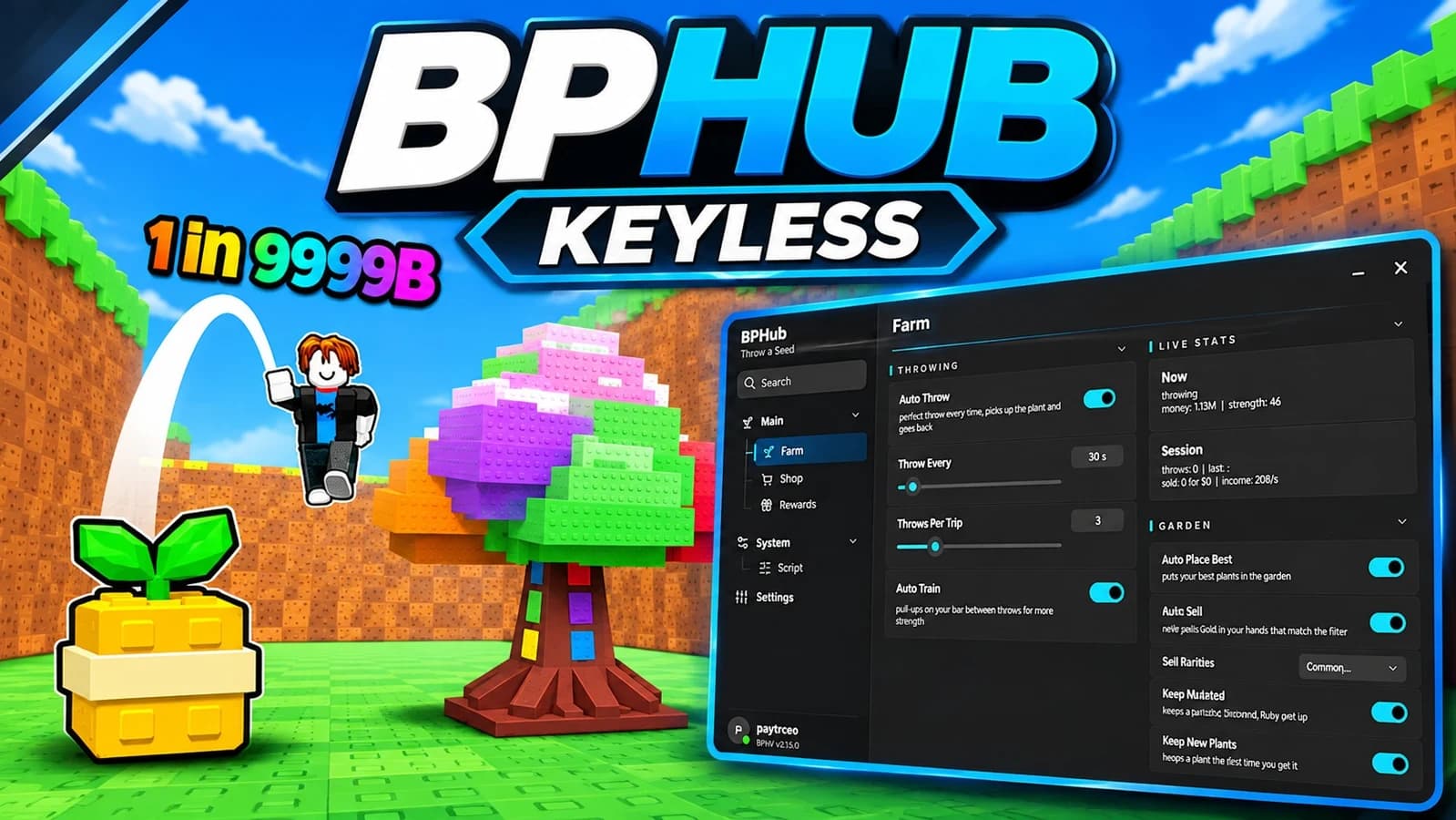
School Hub for Throw a Seed brings training, seed throwing, plant management and upgrades into one shared menu.
Auto Farm alternates training at your own station with seed throws, then places the best earning plants. Adjust the training time and throws per cycle. Auto Train and Auto Throw also have separate switches. Auto Training Pop-ups activates the real x2 training bonus, including during Auto Farm or training started manually.
Auto Place Plants arranges your best earners on your plot. Auto Equip Best selects your strongest owned seed and best plants. Auto Sell is optional: it sells only eligible unplaced surplus while keeping placed and protected plants, plus the best plants for your available slots.
Enable better-seed purchases, training bar upgrades and plot-slot upgrades separately. Set a cash reserve, session spending limit, maximum single-purchase cost and purchase interval. Purchases and selling have their own switches.
Movement between your training and throwing areas uses teleport. The game's own throw sequence, meter, plant rewards and animations remain part of the farming cycle.
The six-page School Hub menu includes themes, menu scaling, Desktop/Phone layouts, Pause and saved preferences. Activities start disabled after a fresh launch.
Run the loader in Throw a Seed, complete the free key check and enable the activities you want. Press Insert to show or hide the menu.
4.7out of 5 stars
1.8K reviews
100K+
Downloads

Advertisement
Share what works, ask questions, or report an issue.
No comments yet. Be the first to share your experience with this script.
10 lines · 457 B