
Views: 1.7KExecutions: 585ExecutionsHow many times people ran this script. Copying it, downloading it or running it with the raw link all count. Max 10 per person a day.

Copy it, then tell others if it worked.
- Key required
- Mobile friendly
Advertisement
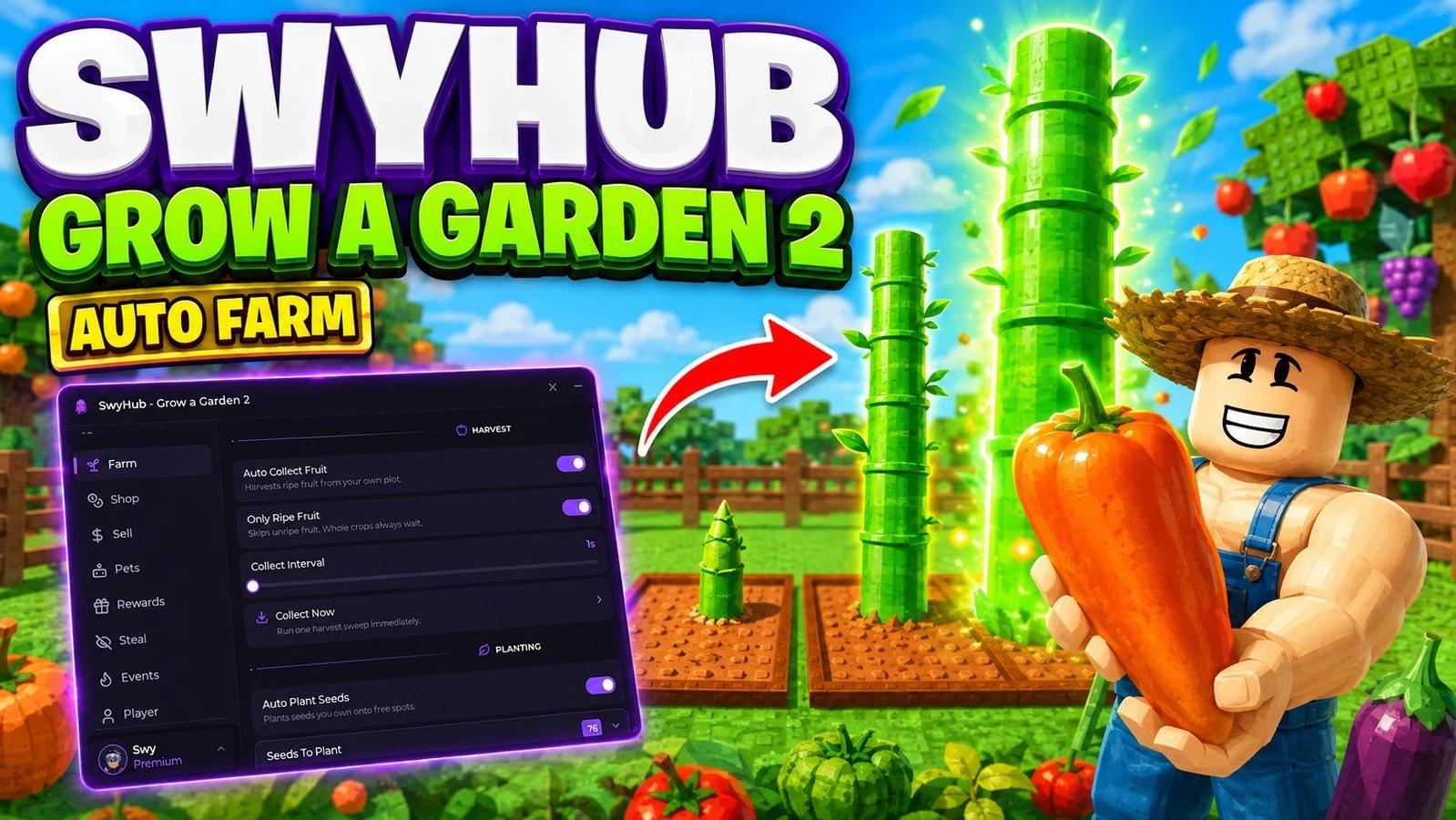
🌱 SwyHub — Grow a Garden 2 🥕🌙

Plant it, grow it, harvest it and bank it without touching the keyboard — built on the redesigned Swy-UI v2.5 and powered by the new key-system-v2 loader for a frictionless experience.

🆕 New UI Experience:

• Modern glassmorphism interface with animated RGB border + glowing wave-dot background

• Resizable window with persistent layout across sessions

• Built-in Settings (Anti-AFK, Pop-up Blocker, Auto Execute, Configuration, Interface) auto-mounted

• Live search bar across every tab and section

• UI Effects toggle — turn the animations off to cut CPU/GPU load on weaker devices

🌐 Dashboard Integration:

• One-click public Live Session link via swyhub.site/live

• Real-time stat cards: Sheckles, fruit against capacity, plot, plant count, day or night, weather — plus account, server and uptime

• Cloud sync every 30 seconds — viewable without login

• Opt-in by design: nothing is broadcast until you flip the Live Session toggle yourself

• Every loop fires against your own plot — the only route touching another player is the Steal tab, and it ships off

🛠️ Core Features:

🌾 Harvest Engine:

Auto Collect Fruit handles both crop types, which is the difference between a half-harvested garden and an empty one. Multi-harvest plants get picked fruit by fruit; single-harvest crops like Carrot and Bamboo have no fruit to pick at all — the whole plant is the harvest and one drops 20+ at once. Whole crops go first because a single call there fills a fifth of your bag, and the sweep copies the game's own accelerating cadence to clear roughly six crops a second.

🌱 Growth Engine:

Auto Plant Seeds reads the seeds you actually own, equips the right one and places it — raycast onto your plot and spacing-checked so nothing stacks, with Group Same Seeds keeping each crop in its own cluster. Auto Place Sprinklers then holds a grow-speed multiplier over the lot (1.5x on a Common, past 3x on the high tiers); they expire in about two minutes, which is exactly why replacing them is worth automating. Auto Expand Garden, Auto Water Plants and Auto Shovel Decaying round out the plot.

💰 Economy Engine:

Auto Buy Seeds, Auto Buy Gear and Auto Buy Crates watch live shop stock and buy only what you selected, only while it is actually in stock. Keep Sheckles (0–1,000,000) walls off a chunk of your wallet automation is never allowed to touch. Every picker is labelled with rarity, buy price and sell value and grouped by rarity, and Inspect Seed breaks any of the 76 seeds down to harvest type, prime time, restock chance and live stock.

🧺 Selling:

Instant Sell When Full empties the bag the moment it hits capacity and lets harvesting carry straight on — one crop drops 20+ fruit into 100 slots, so it fills in seconds. It covers fruit arriving from anywhere, so a haul from stealing tops you out and gets banked the same way, debounced into a single sale. Auto Sell All is the calmer alternative on a threshold you set (1–100).

🔥 Events:

What's Happening reads live server state instead of a hard-coded list, so a new event shows up on its own — current world, the latest announcement pulled from the game's own news feed, weather with time remaining, day or night. Hold Harvest In Weather is the payoff: weather mutates fruit still on the plant and a mutation multiplies what it sells for, so the sweep sits out the window rather than banking the plain version. Event Alerts toasts every weather and nightfall.

🌙 Steal — Night Only:

Off by default and night-gated. A garden is only touched while its owner is away from it, because the server refuses otherwise — those plots are filtered out before anything is sent, and if the owner returns mid-steal the attempt cancels cleanly. Werewolf Night is respected too: when another player holds the curse the loop stands down, and the Targets panel shows gardens, owners at home and available fruit live.

🛡️ Robux-Prompt Safe:

Every purchase route is gated on a client-side Sheckle check first, so the script never fires a buy you cannot afford — exactly the path that throws a Robux modal onto your screen mid-loop. A crate whose price cannot be read is skipped rather than bought blind. There are no Robux, gamepass or developer-product routes in the script at all; the only wager controls are Double or Nothing and Cash Out, both manual and both Sheckles.

🐾 Pets & Hatching:

• Equip Pet By Name — exact name straight from your inventory

• Auto Tame Wild Pets — attempts on wild pets that come into range

• Auto Open Eggs, with Open One Egg as the manual trigger

• Auto Open Seed Packs

🎁 Rewards:

• Auto Claim Mailbox — Mailbox and Magic Mail claim-all on a timer

• Auto Claim Pilgrim Reward, plus a read-only Read Pilgrim State

• Read Skill Data and Redeem Code

• Your Plants, Next Restock and In Stock Now live panels

🚀 Teleports:

• Shops: Seed Shop, Gear Shop, Prop Shop

• Economy: Sell Stand

• Home: Back To My Plot

🏃 Movement Tools:

• Walk Speed (16–120) and Jump Power (50–250) sliders

• Infinite Jump

• Reset Character

🛡️ Utility Systems:

• Always-on Anti-AFK (VirtualUser idle replay)

• Pop-up blocker that closes Roblox event / invite dialogs blocking clicks

• Auto Execute on rejoin, server hop and crashes — last config restored automatically

• Shared busy-lock so planting, shovel, watering and sprinkler routines never fight over your equipped tool

• Server Hop + Rejoin controls
Advertisement


DarkXVerifiedGrow a Garden 2




AeroVerifiedGrow a Garden 2

piletomVerifiedGrow a Garden 2


SP_HubVerifiedGrow a Garden 2
Share what works, ask questions, or report an issue.
No comments yet. Be the first to share your experience with this script.
1 lines · 54 B