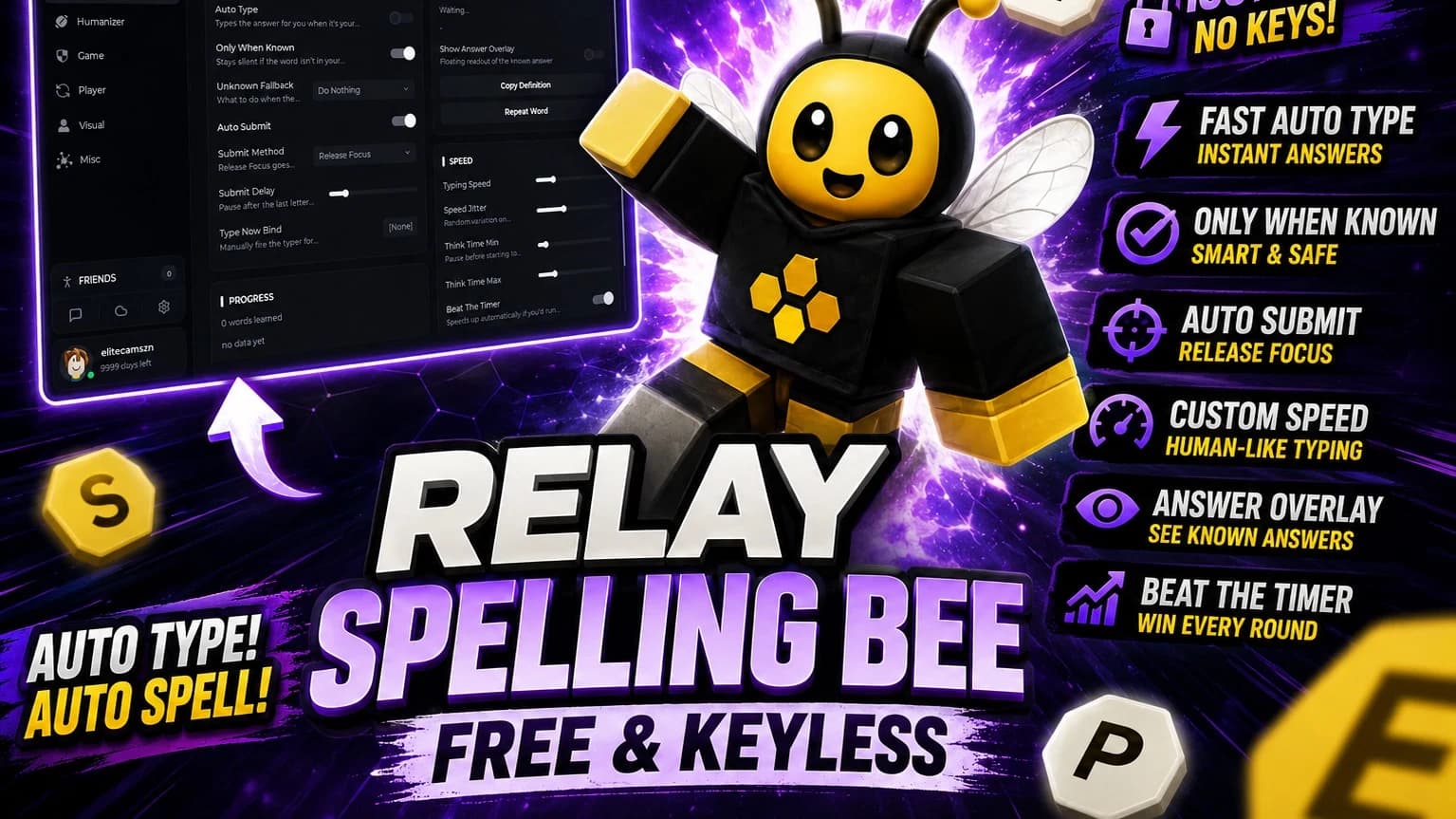
-- Realistic Auto-Type Script with Random Typos for Spelling Bee
local Players = game:GetService("Players")
local LocalPlayer = Players.LocalPlayer
local UserInputService = game:GetService("UserInputService")
local GuiService = game:GetService("GuiService")
-- CONFIGURATION
local TARGET_WORD = "ROBLOX" -- Change this to your desired word
local PC_TRIGGER_KEY = Enum.KeyCode.F -- Key to trigger on Laptop/PC
local AUTO_MOBILE = true -- If true, auto-types on mobile without key press
-- SPEED SETTINGS (in seconds)
local TYPING_SPEED = 0.1
-- REALISM SETTINGS
local ENABLE_TYPOS = true -- Set to false to disable typos completely
local TYPO_CHANCE = 0.2 -- 20% chance of a typo per letter
local DOUBLE_TAP = true -- Sometimes type a letter twice (e.g., "RR" then backspace)
-- Helper: Find the Text Box
local function getTextBox()
local ui = LocalPlayer.PlayerGui:FindFirstChild("SpellingBeeUI") or
LocalPlayer.PlayerGui:FindFirstChild("EntryFrame") or
LocalPlayer.PlayerGui:FindFirstChild("MainUI")
if not ui then return nil end
-- Try common names for the text box
local textBox = ui:FindFirstChild("TextBox") or
ui:FindFirstChild("EntryBox") or
ui:FindFirstChild("InputBox")
return textBox
end
-- Function to simulate a key press with optional delay
local function pressKey(key, delay)
UserInputService:KeyDown(key)
if delay then
task.wait(delay)
end
end
-- Function to Type the Word with Realistic Typos
function autoTypeWord()
local textBox = getTextBox()
if not textBox then
print("โ Text Box Not Found!")
return
end
-- Focus the text box if not already focused (important for Mobile)
if not textBox:IsFocused() then
textBox:CaptureFocus()
end
-- Clear current text
textBox.Text = ""
print("๐ญ Realistic Typing Mode Active")
-- Type each letter with the specified speed delay
for i = 1, #TARGET_WORD do
local targetLetter = TARGET_WORD:sub(i, i)
-- Check for typo based on chance
if ENABLE_TYPOS and math.random() < TYPO_CHANCE then
print("โ ๏ธ Typo detected at letter " .. i .. "!")
-- Option 1: Double Tap (Type letter twice, then backspace once)
if DOUBLE_TAP and math.random() > 0.5 then
pressKey(Enum.KeyCode[targetLetter]) -- Type the correct letter first
task.wait(0.05)
pressKey(Enum.KeyCode[targetLetter]) -- Type it again (mistake)
task.wait(0.1)
pressKey(Enum.KeyCode.Backspace) -- Backspace to fix
task.wait(0.1)
else
-- Option 2: Hit a random nearby key or just wait longer
task.wait(TYPING_SPEED * 2) -- Wait longer before typing the correct letter
end
end
-- Type the correct letter
pressKey(Enum.KeyCode[targetLetter], TYPING_SPEED)
end
-- Submit
task.wait(0.3)
pressKey(Enum.KeyCode.Return)
print("โ
Realistic Auto-Typed: " .. TARGET_WORD)
end
-- Main Trigger Logic
UserInputService.InputBegan:Connect(function(input, gameProcessed)
if gameProcessed then return end
-- Case 1: Laptop/PC (Keyboard Input)
if input.UserInputType == Enum.UserInputType.Keyboard then
print("๐ฅ๏ธ Detected: Laptop/PC")
if input.KeyCode == PC_TRIGGER_KEY then
autoTypeWord()
end
end
-- Case 2: Mobile/Tablet (Touch Input)
if input.UserInputType == Enum.UserInputType.Touch and AUTO_MOBILE then
print("๐ฑ Detected: Mobile/Tablet")
autoTypeWord()
end
end)
print("๐ Realistic Auto-Type Script Loaded!")
print(" - Target Word: " .. TARGET_WORD)
print(" - Typing Speed: " .. TYPING_SPEED .. "s per letter")
print(" - Typos Enabled: " .. (ENABLE_TYPOS and "Yes" or "No"))
print(" - Laptop/PC Trigger: Press '" .. PC_TRIGGER_KEY.Name .. "'")
print(" - Mobile/Tablet: Auto-triggers on touch")
Comments
No comments yet
Be the first to share your thoughts!