
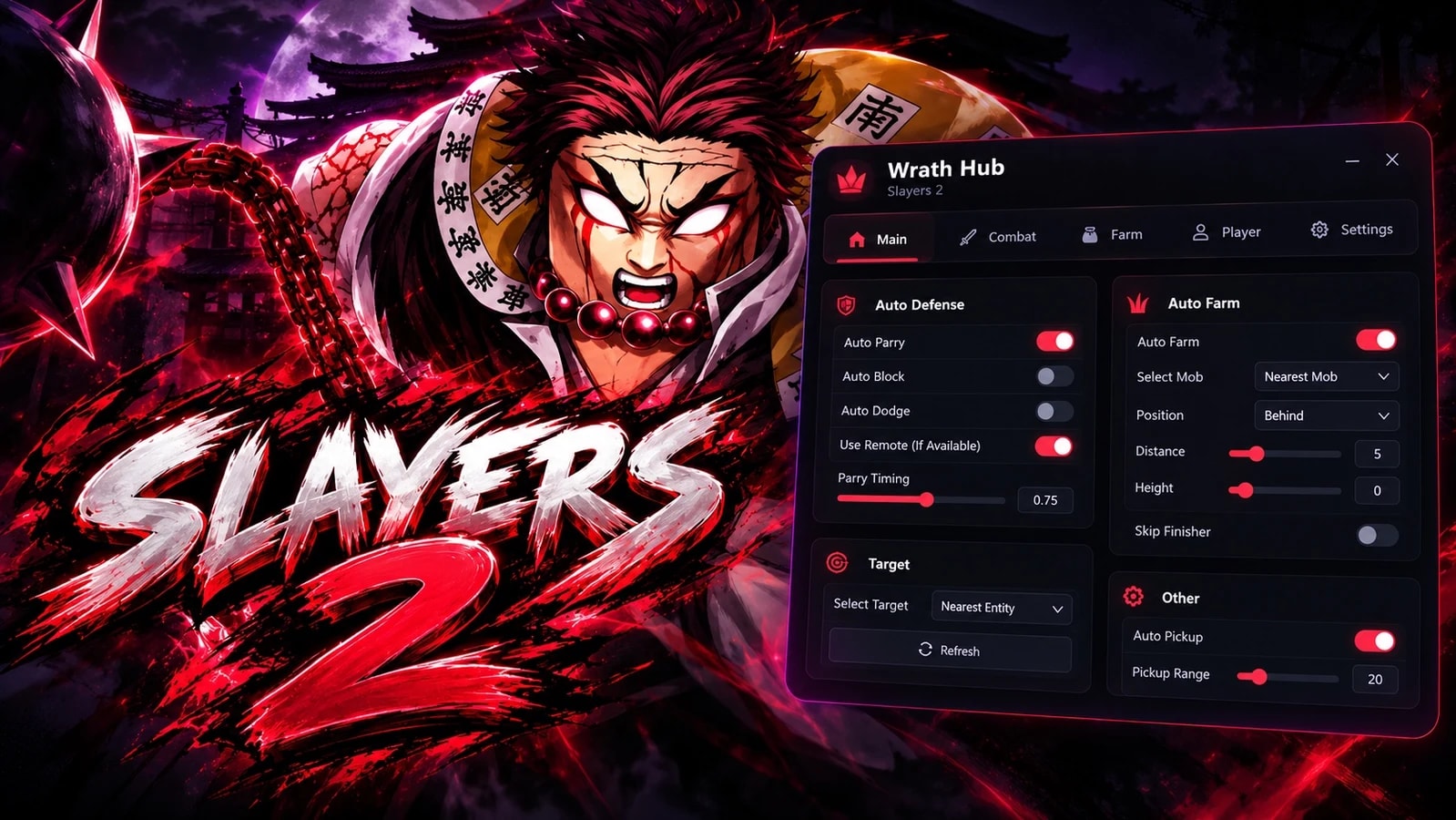
Views: 22Executions: 19ExecutionsHow many times people ran this script. Copying it, downloading it or running it with the raw link all count. Max 10 per person a day.

- Keyless
- Mobile friendly
Advertisement
COMBAT — Defense Page
Auto Defense: Parry / Block / Dodge (multi-select actions)
Parry Only mode
Dodge + Block fallback chain
Dodge Cancel w/ duration slider
Ignore Local Player / Mobs / Players
Validate Incoming Animation
Filters: M1s, Mantras, Criticals, Undefined, textbox/window state
Allow Failure + Failure Rate % slider
Punishable Window + After Window timing sliders
Timing Offset ±100ms (live-shifts all injected parry timings)
Notifications + Visualizations toggles
Keybind support
Offense
Auto Parry Breaker
Remote
Custom remote entries (path + args)
Add Remote / Apply & Save
Manual trigger dropdown + fire button
Input
Custom input config entries
CONFIGURATION — Settings Page
Menu keybind
Show Menu on Launch
Silent Mode
Skip Intro Animation
Show Watermark + keybind
Show Keybind List + keybind
UI Scale slider 0.5–1.5 ← just added
Accent color picker
Config save / load profiles (autoload support)
BUILDER
Save Manager, Module Manager
Hitbox Simulation
Debugging tools
Animation / Sound / Part builders
BUNDLED SCRIPTS
Dex (game explorer)
Cobalt (remote spy)
Infinite Yield
Animation Visualizer
Sound Replayer
Info Logger
MCP Connector
Script Tracker
DUNGEON FARM MODULE
M1 auto-combat loop
Boss-priority targeting, mob fallback
Boss Only mode / Skip Finisher
Distance, Height, Move Speed sliders
Stall detection + auto-skip
Advertisement

DiabloCodesSlayers 2

arcahubSlayers 2

TempoHubSlayers 2

a7med_hubSlayers 2

SFScriptsSlayers 2
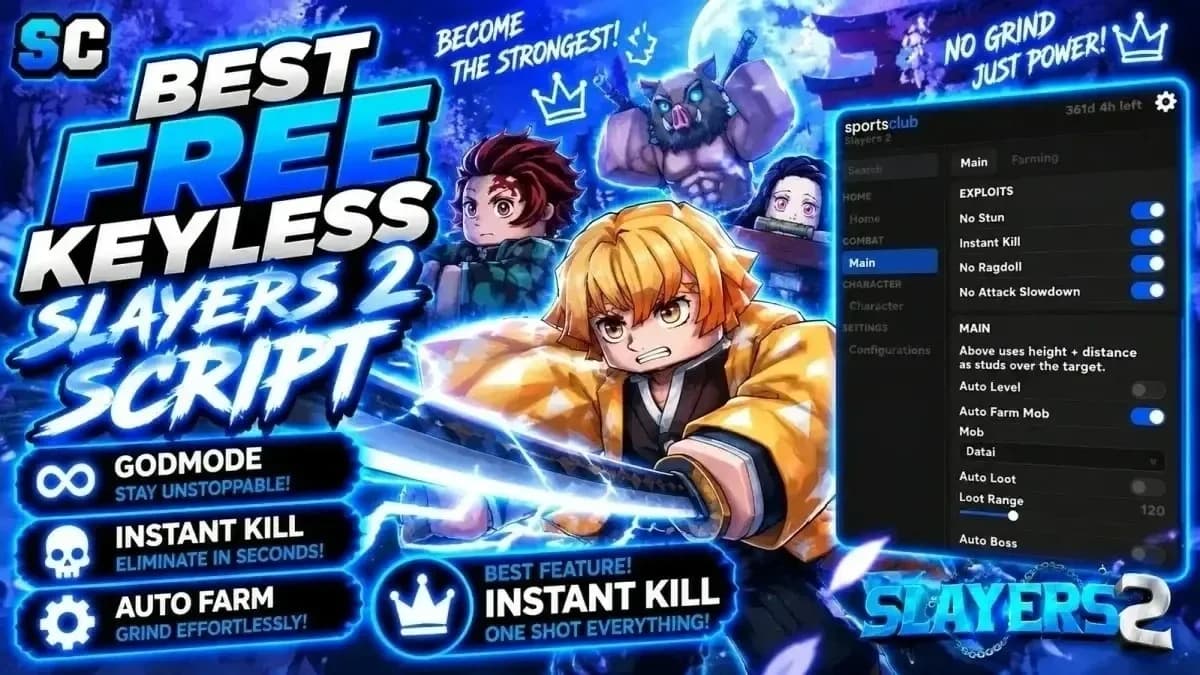

xd123Slayers 2
Share what works, ask questions, or report an issue.
No comments yet. Be the first to share your experience with this script.
10 lines · 498 B
Copying saves the code to your clipboard; it does not run it. Play opens the Roblox game. Check the script’s platform requirements and community notes before using it.
Tap a chip for community notes