
Views: 295Executions: 209ExecutionsHow many times people ran this script. Copying it, downloading it or running it with the raw link all count. Max 10 per person a day.

- Key required
- Mobile friendly
Advertisement
[L]
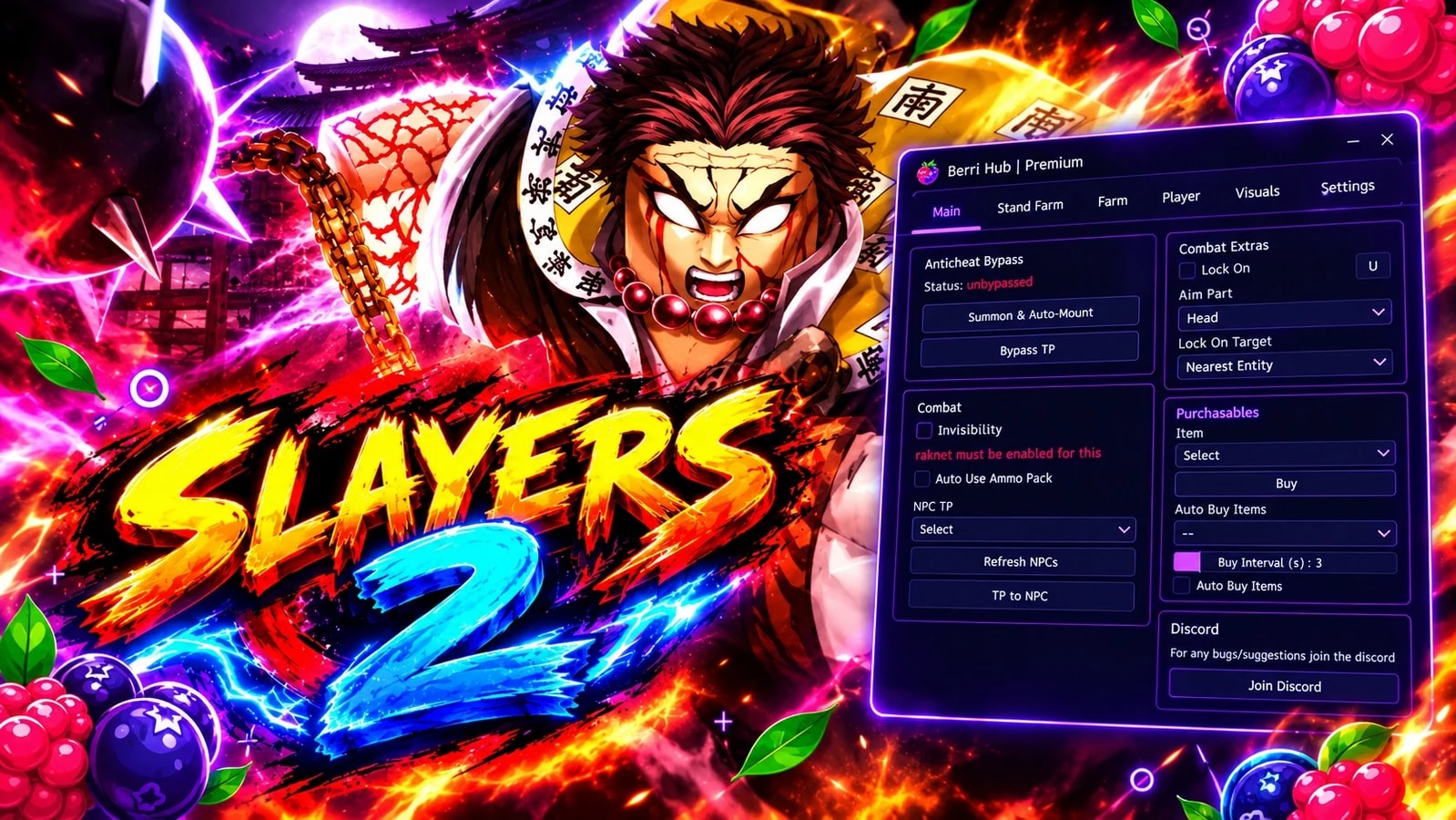
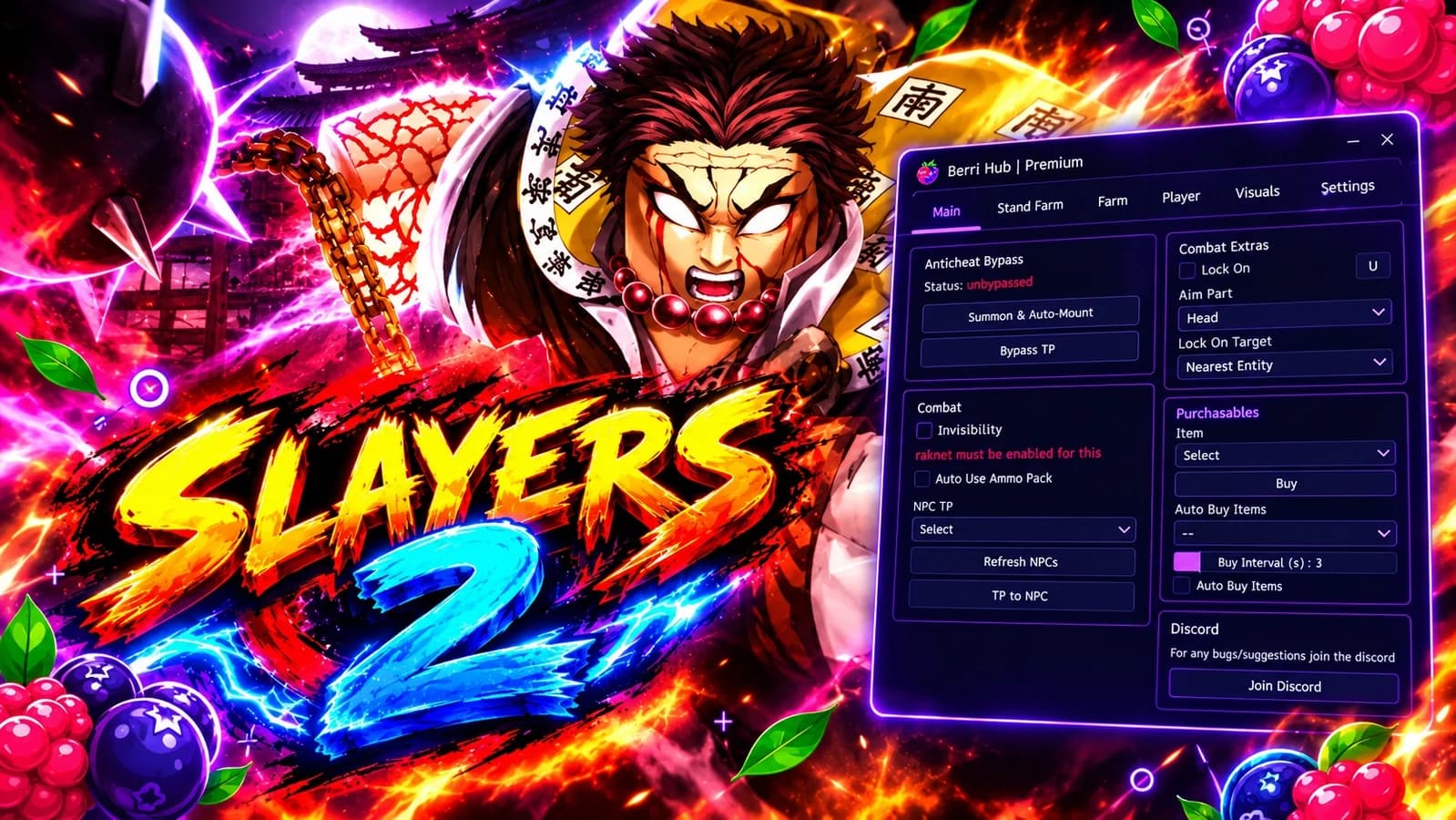
Berri Hub | PS2 — Feature List
Auto Farm
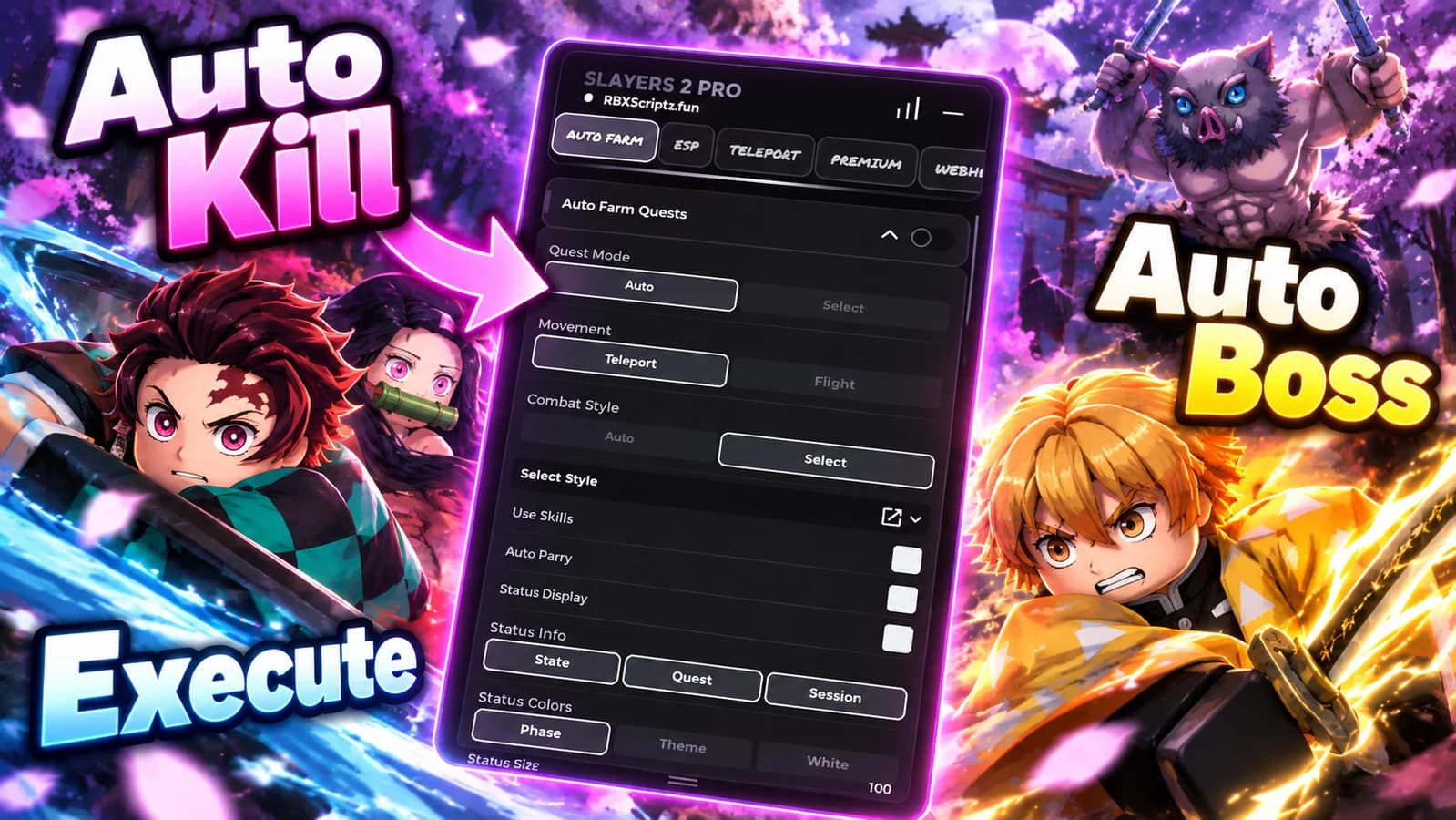
Mob Farm — auto targets and attacks selected mobs
Boss Farm — separate boss-only farm loop
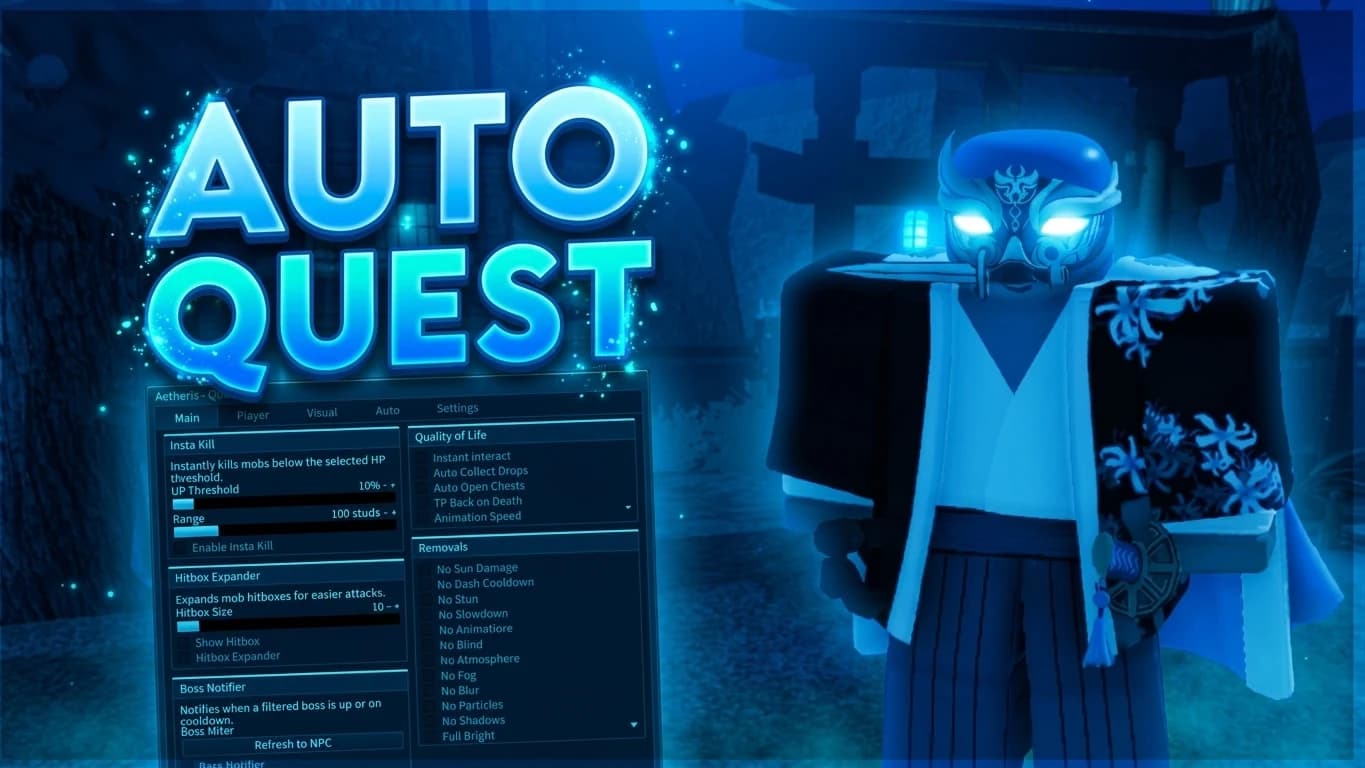
Auto Quest — accepts quests for selected mob/boss automatically
Mob/Boss selection dropdown (searchable, multi-select)
Refresh Live Mob/Boss List — scans workspace for current NPCs
Custom quest name override (optional input)
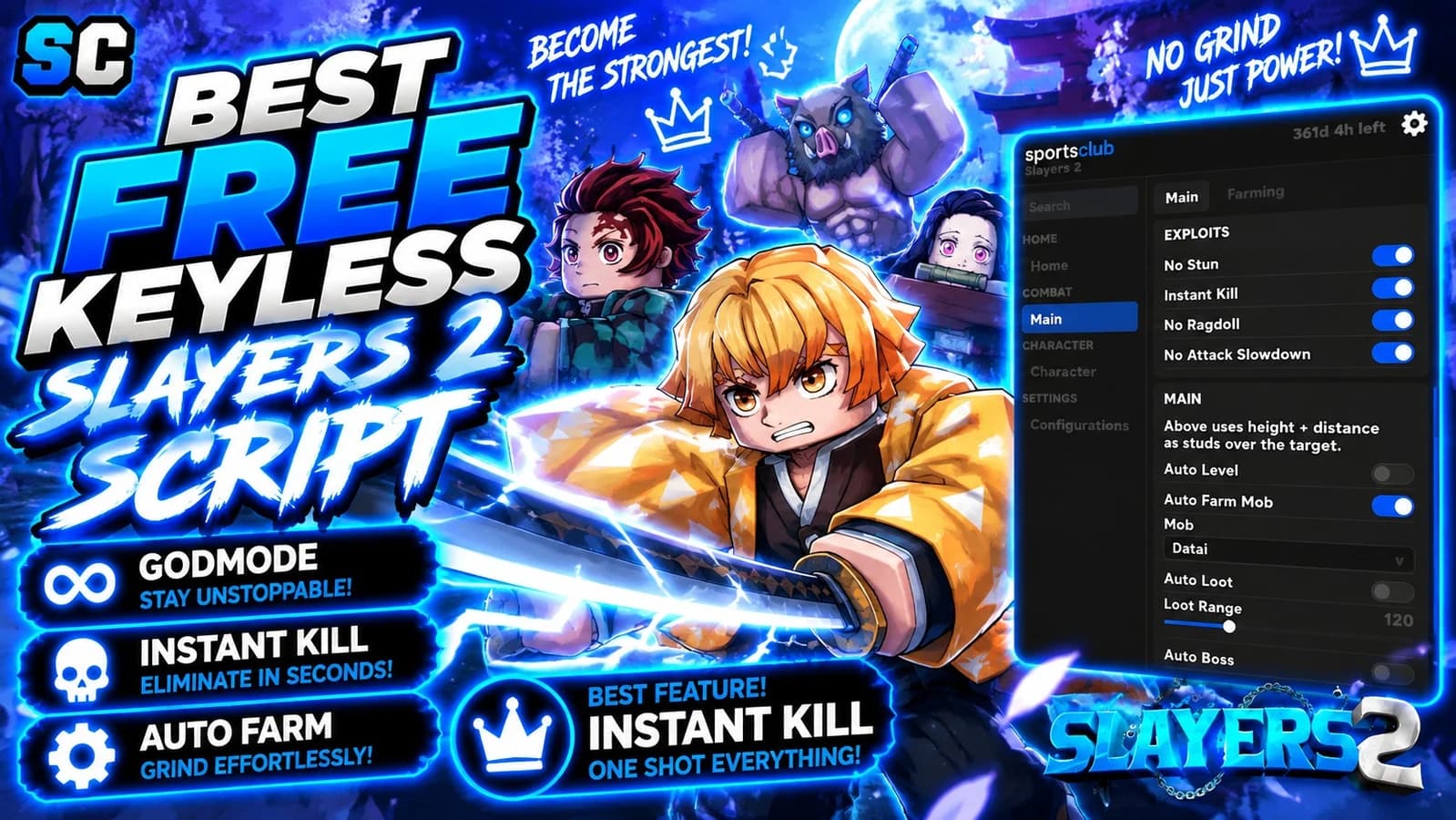
Instant Kill — fires SIG_RE + CAM_RE damage signals after first hit
M1 / Auto Attack — activates equipped tool while farming
Auto M1 toggle with keybind (default V)
Farm Noclip — disables character collisions during farm
Speed Changer — custom WalkSpeed slider (16–100)
Search Range slider (25–2000 studs)
Farm Height slider — vertical hover offset above NPC
Below NPC slider — how far under the NPC to position
Farm Speed slider — movement speed toward target (20–100 studs/s)
Attack Interval slider (0.10–0.35s)
Farm Diagnostics button — shows live mob/boss count + folder status
ESP
Mob ESP — highlight + HP label on all live mobs
Boss ESP — highlight + HP label on bosses
Spider Lily ESP
Muzan ESP
Item ESP
Chest / Crate ESP
Drop / Loot ESP
Player ESP
Area Marker ESP
ESP Distance slider (100–10000 studs)
Manual Refresh ESP button
Teleports
Area dropdown teleport (13 areas)
Quick area buttons for all zones
Teleport to Current Farm Target button
Uses live workspace spawn/entrance parts — no hardcoded coords
Settings
Keybind menu toggle
Custom cursor toggle
Always on top toggle
Notification side (Left/Right)
Corner radius slider
Menu keybind (default RightShift)
Theme Manager
Save Manager with autoload config
Misc
Anti-AFK
Respawn-safe (farm resets cleanly on death)
Full unload/cleanup on Library unload
Advertisement
Slayers 2
Slayers 2
Slayers 2
Slayers 2
Slayers 2
Slayers 2
Tap a chip for community notes
Share what works, ask questions, or report an issue.
No comments yet. Be the first to share your experience with this script.
10 lines · 490 B
Copying saves the code to your clipboard; it does not run it. Play opens the Roblox game. Check the script’s platform requirements and community notes before using it.