Keep Every Beat in Focus
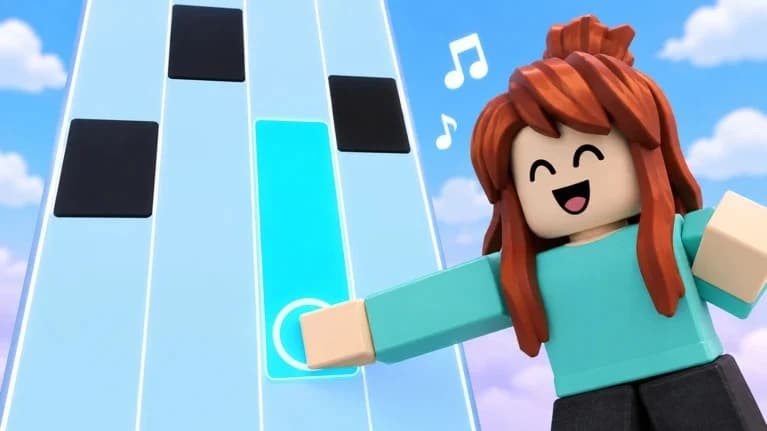
Bring a rhythm-first setup to Roblox with the Piano Rhythm Tiles Universal Script. Designed around tapping tiles, exploring songs, and chasing personal bests, this concept pairs a clean control menu with tools for your next musical challenge.
Featured Tools
- Auto-Tap Controls: Configure automated tile inputs around your preferred song speed.
- Timing Adjustment: Fine-tune input offsets for a more consistent rhythm setup.
- Endless Mode Tracker: Keep speed progression and session goals in view as the tempo builds.
- Fade Practice Cues: Use memory-focused visual cues to practice disappearing tile patterns.
- Daily Song Shortcut: Keep the daily challenge within easy reach of your menu.
- Personal Best Tracker: Organize score targets and star goals as you work toward stronger runs.
- Visual Preferences: Adjust the tool overlay to complement your favorite tile skins and backgrounds.
A Setup for Every Session
Explore songs at your chosen pace, practice tricky sequences, or prepare for a 1v1 challenge. A compact interface keeps the focus on the music rather than crowded menus.
Example Keybind Layout
- [RightShift] - Toggle Menu
- [T] - Toggle Auto-Tap
- [F] - Toggle Fade Practice Cues
- [G] - Show Session Goals
- [R] - Reset Timing Offset
Find your rhythm, refine your setup, and chase your next personal best.