Stay on Beat in Piano Rhythm Tiles
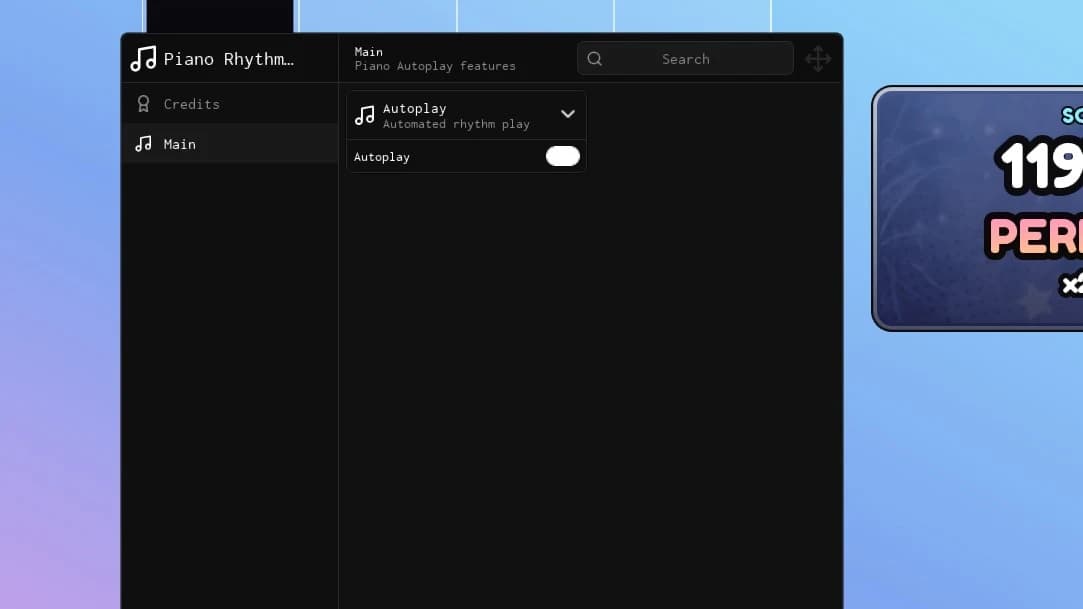
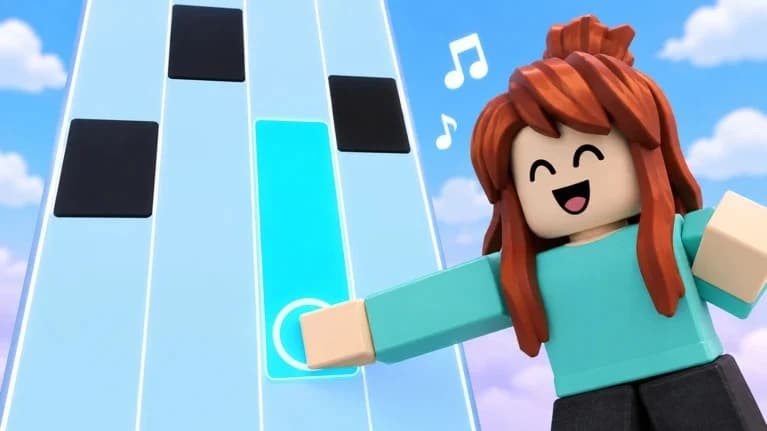
Bring rhythm-focused controls to your Roblox sessions with this Piano Rhythm Tiles universal script. Explore a streamlined menu built around tapping tiles, following song patterns, and keeping pace as the music speeds up.
Rhythm-Focused Features
- Auto Play: Automate tile taps to follow incoming note patterns.
- Timing Adjustment: Fine-tune tap offsets to match your preferred rhythm settings.
- Lane Overlay: Keep tile lanes clearly marked during busy song sections.
- Endless Mode Support: Follow accelerating tile sequences as your run builds speed.
- Fade Mode Memory Guide: Track tile positions as notes disappear from view.
- Daily Song Presets: Quickly switch between saved timing configurations for new daily tracks.
- Session Tracker: Keep an eye on your current score, streak, and personal-best progress.
- Compact Interface: Access essential controls without crowding the song display.
Keybinds
[RightShift] - Toggle Menu
[F1] - Toggle Auto Play
[F2] - Toggle Lane Overlay
[F3] - Toggle Fade Memory Guide
[Minus / Equals] - Adjust Tap Offset
[F4] - Toggle Session Tracker
Play through your favorite songs, explore different speeds, and keep your rhythm tools within easy reach.