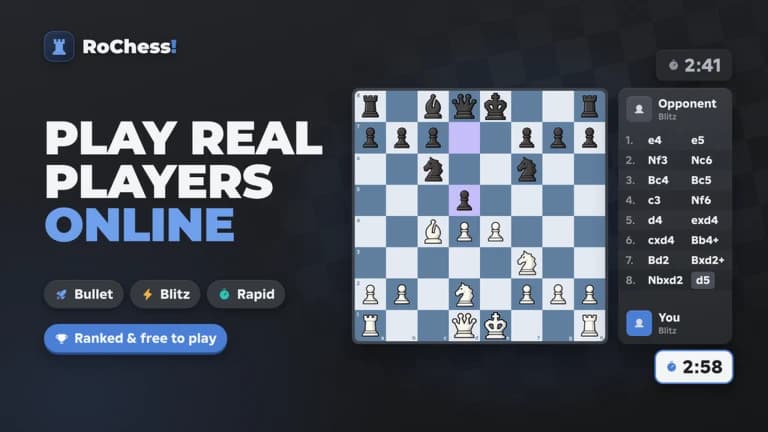
## Supported Game - [RoChess!](https://www.roblox.com/games/130878180532794)
Engine
• Enable Engine is the master switch for analysis, the board overlay and auto-play
• Live Engine Status shows the game type, the move number, the best move, and your moves played and puzzles solved
• Engine Mode: Max Stockfish (3000+) for the strongest move, or Humanized Persona that plays like a chosen strength
• Humanized Persona has Target Elo (600–3000), Noise (0–100) and Blunder % (0–20), plus Think Time (100–1000 ms) and Recalculate Position
Overlay
• Best Move Arrow with a Best Arrow Color picker, plus Square Highlights for the from and to squares
• Eval Bar next to the board that flips with it, and an Eval Pill with the best move, score and depth
Auto Play
• Auto-Play Online Matches and Auto-Play Bot Matches play the best move on your turn
• Play Best Move Key (F by default) and Play Best Move Now for one move at a time
• Auto Play Again starts the next game when one ends, with Next Game (New Opponent or Rematch First), Time Control, Wait Before Next Game (1–30 s), Stop After Games, and a live Play Again Status
• Min Delay (50–3000 ms) and Max Delay (100–5000 ms) set a human-like pause before each move
• Fast Opening speeds up the first 6 plies, Low-Clock Speed Up moves faster under 15 seconds, and Simulate Real Clicks sends a real click on the board before each move
Puzzles & Sprint
• Auto-Solve Puzzles with a Move Delay (50–1500 ms) and Auto Next Puzzle for a continuous loop
• Auto-Solve Sprint with a Move Delay (50–1000 ms), a Sprint Mode picker (3 min, 5 min or Survival) and Start Selected Sprint
• Open Puzzles Page and Load Next Puzzle shortcuts
Bots & Tools
• Launch Bot Match with a Bot Opponent list and Play As White or Black
• Take Back Last Move for bot games
• Auto Claim Daily Tasks and Check & Claim Now
• Anti-AFK stops idle kicks while you grind or spectate
Home & Interface
• NexusHubX dashboard with FPS, ping, session info and live player stats
• Key time plus credits and Copy Discord Invite