
Views: 1.0KExecutions: 161ExecutionsHow many times people ran this script. Copying it, downloading it or running it with the raw link all count. Max 10 per person a day.

- Key required
- Mobile untested
Advertisement
Join discord for key giveaway
Join discord for key giveaway
Join discord for key giveaway
- Reactive combat layer — block, punish, counter and block-break are driven by the same
animation data the game itself uses, so reactions land inside the real window instead of guessing.
- Per-character automation — tuned combos for individual movesets, each one a separate toggle
so you only enable the character you are playing.
- Visuals that stay readable — player and item ESP with boxes, chams, skeletons, tracers and
health/stun colouring, plus a per-animation timing view.
- Config profiles — save, load and auto-load named profiles; the file format is plain JSON and
stays compatible across versions.
- Built for real sessions — mobile-friendly layout, hide/show keybind, automatic performance
scaling when frame rate drops.
Combat
Auto Block
The core defensive layer. Reads incoming attack animations and blocks within the real timing
window, with separate handling for:
- Block — automatic block against incoming attacks, with its own range, angle and hold time.
- Punish — strikes back during the enemy's recovery, including after a side dash and against
M1 chains.
- Counter — counters when a counterable move is recognised, with tracking and lock-on options.
Options include block range, skill range (for projectiles that travel past the caster), block
angle, attack window, and a "only if facing me" filter so it does not waste reactions on attacks
aimed elsewhere.
Dash Assist / BFC
Movement and Black Flash chaining:
- Black Flash Chain (BFC) — chains Black Flash off a dash, with chain count, arc and
positioning controls.
- Side Dash Assist — side dashes toward a target with configurable direction, arc and
behaviour.
- Block Break — breaks through an opponent's guard with its own targeting, arc and positioning
settings.
- Aim / Arc / Curve / Positioning groups tune each of the above individually.
Combat
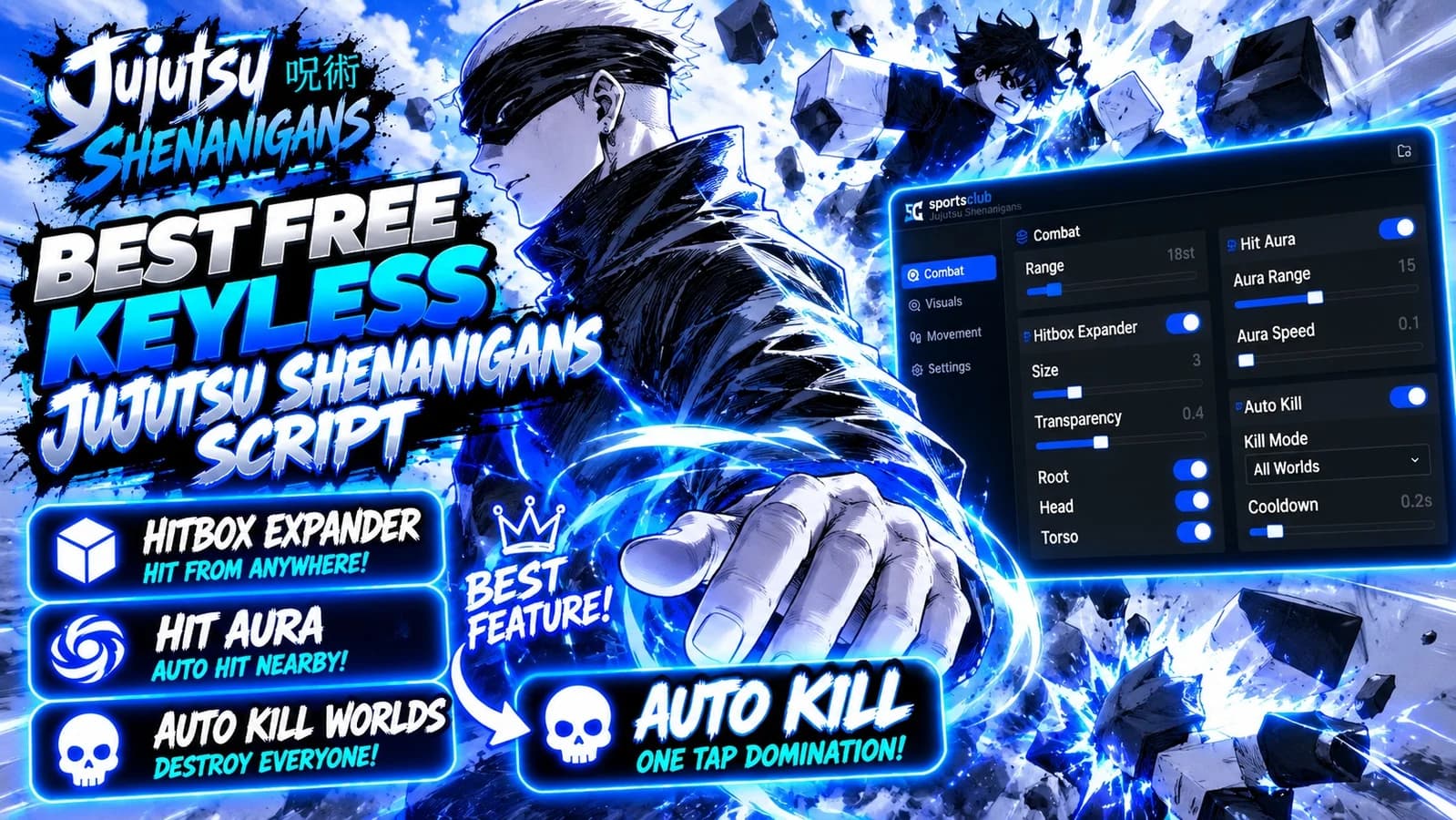
- Hitbox Expander — enlarges your own hitbox so your attacks connect more reliably, with an
adjustable size.
- Orbit — circles a chosen target at a set radius and speed. Target selection by mouse,
nearest player or a specific player. Optional Lock Camera keeps the view steady instead of
spinning with the character.
- Stealth — invisibility and related visual suppression.
- Character Auto's — per-character combos, each a separate toggle:
- Hakari — auto 4th, auto ball
- Gojo — auto 3+R, auto 4+R (with air-height and window tuning)
- Megumi — auto toad + Nue, auto bird fly, auto shadow + rabbit
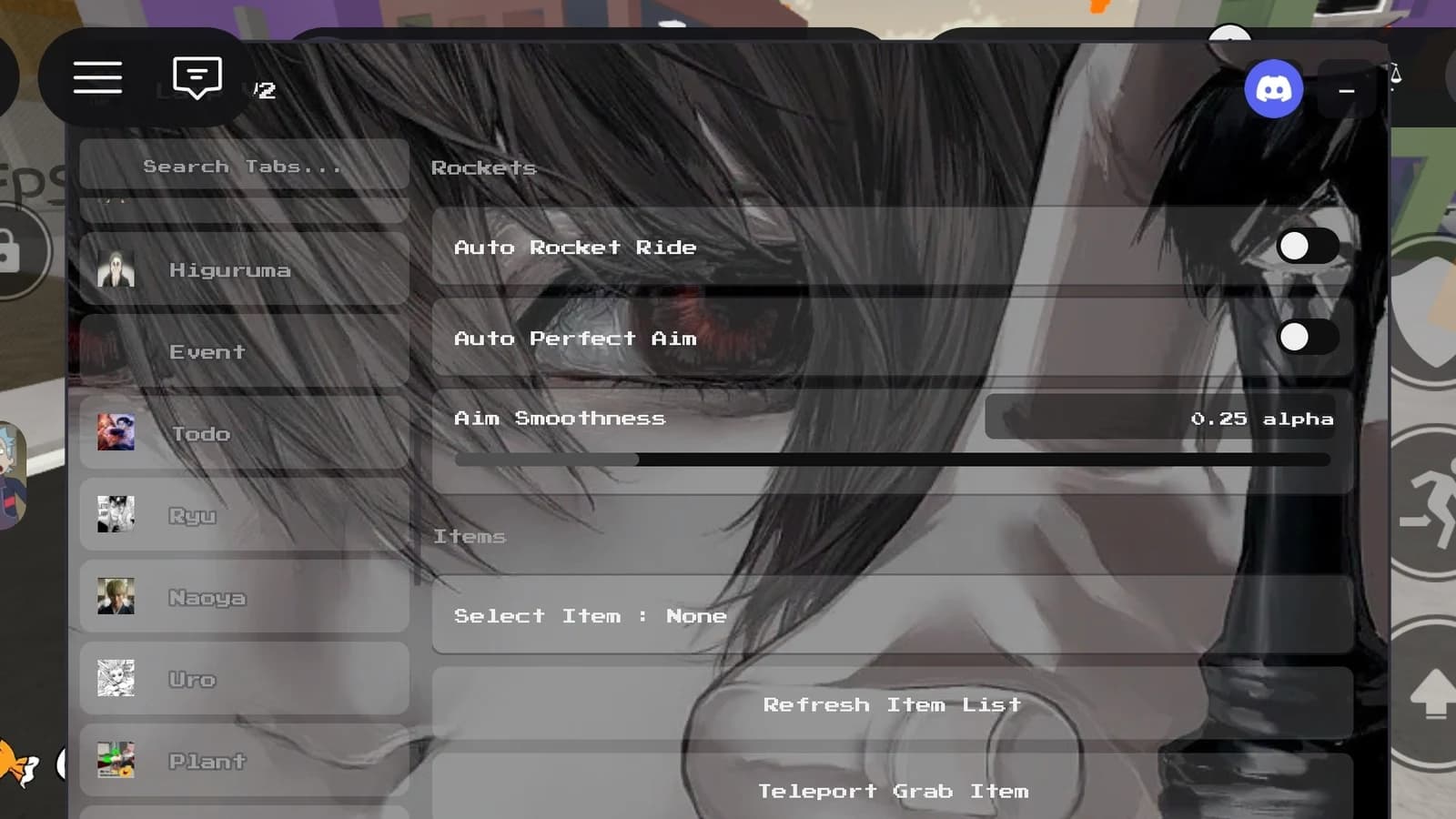
- Higurama — auto 4+1, auto 4+2, auto QTE, auto domain, vote viewer
- Haruta — auto dodge (range/hold), auto backstab
- Ryu — auto dash + 1
- Yuki — Garuda rebound, Garuda rebound R, Rising Star R, Mass Breaker R, Garuda Stab R
- Todo — perfect clap, R variant, R hit, dash after swap, swap to nearest
Lock On
Keeps a target locked with a selectable method, smoothing and a target picker, so combat features
have a stable target to work with.
Visuals
ESP
Player and item visuals drawn with pooled instances (nothing is created per frame):
- Boxes — corner boxes or full boxes, with outline, thickness and text size.
- Chams — fill and outline colouring, plus separate stun chams.
- Skeleton — bone overlay with its own colour.
- Tracers — line from the top, bottom, centre or your character to the target.
- Head dots, health colouring, distance cutoff and max targets to keep it cheap on
a full server.
- Item ESP — highlights world items with its own colour and range.
- Auto Performance — automatically reduces update rate when frame rate drops, so the ESP never
becomes the reason the game stutters.
Anim Filter
A per-animation view of how the hub classifies each move the game plays: blockable, counterable,
multi-hit, punishable, decisive, and so on. Useful for understanding why the hub reacted the way it
did, and for tuning individual timings.
Utility
Auto Piano
Plays MIDI files in game, with a link/name input, playback controls and a progress display.
Misc
General quality-of-life features such as movement helpers, animation-related tweaks and other
session utilities.
Home
Session overview: environment details, which features are currently enabled, and every bound key,
plus config actions.
Configuration
- Named profiles: save, overwrite, load, refresh and delete from the Settings tab.
- Auto load on start — the chosen profile is applied automatically.
- Profiles are stored as JSON in a folder you can open from the hub.
- Settings are keyed by feature, so a profile saved on an older build still loads.
Controls
- Every toggle can carry its own keybind (toggle or hold mode).
- A hide/show keybind collapses the whole interface when you need a clean screen.
- The interface is draggable and scales for mobile.
Advertisement

DyinkaJujutsu Shenanigans

TheLarperJujutsu Shenanigans


SherikJujutsu Shenanigans

lunarpixel55Jujutsu Shenanigans

miguelmiguel1Jujutsu Shenanigans
JshawkVerifiedJujutsu Shenanigans
Share what works, ask questions, or report an issue.
No comments yet. Be the first to share your experience with this script.
11 lines · 528 B