
Views: 47.7KExecutions: 391ExecutionsHow many times people ran this script. Copying it, downloading it or running it with the raw link all count. Max 10 per person a day.

- Key required
- Mobile friendly
Advertisement
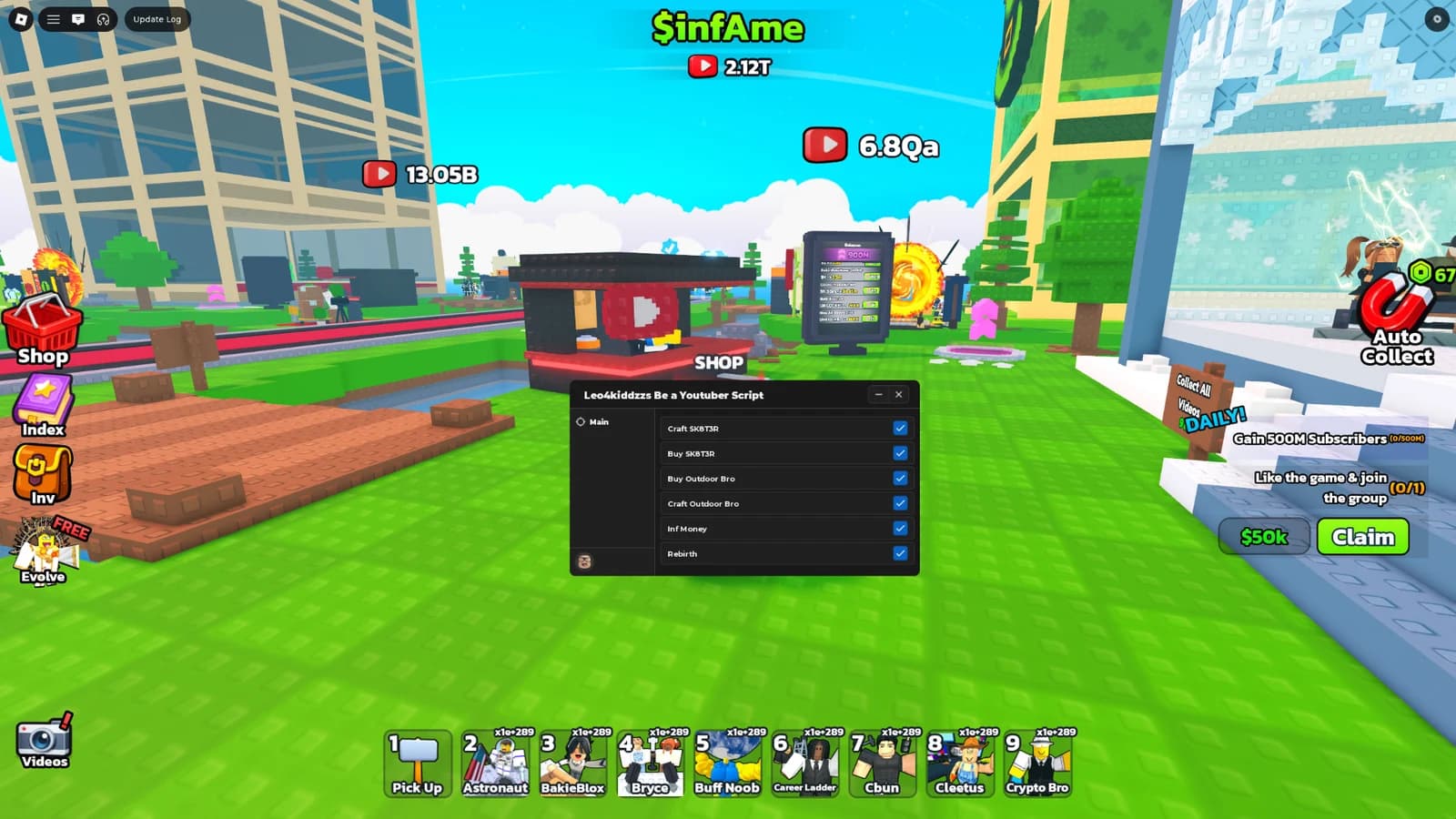
Be a YouTuber Script – Complete Feature List (WindUI Edition)
Auto Collect – Automatically collects income from all your builds on the current floor.
Auto Upload – Automatically uploads videos for views and revenue.
Auto Claim – Claims rewards from achievements or events.
Auto Rebirth – Performs rebirths automatically at a set interval.
Auto Submit – Submissions for events or contests.
Auto Open Crate – Opens 1 event crate at a time, with a customizable interval (slider).
Manual Crate Opening – Buttons to open 1, 3, or all crates at once.
Rebirth Amount Selector – Choose the number of rebirths: 1, 3, 5, 10, 20, or 35.
Collect All Floors – Teleports through every owned floor and collects builds on each.
Upload Now – Triggers an immediate video upload.
Claim Now – Claims all pending rewards instantly.
Pick Up All Youtubers – Picks up all placed Youtuber models.
Rebirth Now – Performs a single rebirth immediately.
Submit Now – Submits any pending entries.
Floor Selector Dropdown – Choose from Ground Floor to Floor 8.
Teleport to Selected Floor – Instantly moves you to the chosen floor (if owned).
Buy House – Purchases the next available house upgrade.
Upgrade Buttons – One‑click upgrades for:
Viral Chance
Views
Luck
Upload Time
Rebirth Buttons
Youtuber Shop – Buy any of 24 unique Youtubers with prices shown (e.g., Noob ($10), KreekMine ($50k), MrFeast ($250M), etc.).
Sell All Youtubers – Sells every owned Youtuber at once.
Interval Sliders – Adjustable delays (in seconds) for:
Collect Interval
Upload Interval
Claim Interval
Submit Interval
Rebirth Interval
Crate Open Interval
Item Delay Slider – Delay between individual actions (e.g., collecting each build) to reduce lag.
Info Paragraphs – Explain the effect of each setting.
Save Config – Stores all toggle states and slider values locally (in DubuHub folder) using WindUI’s built‑in config manager.
Load Config – Restores previously saved settings.
Reset Config – Returns all settings to default values.
WindUI Library – Modern, smooth interface with a custom pink‑and‑black theme.
Toggle Key – Press K to show/hide the UI.
Resizable Window – Adjust the UI size to your preference.
Tabbed Navigation – Cleanly organized tabs: Main, Event, Upgrades, Teleport, Shops, Misc, Config.
Advertisement

rl3oBe a YouTuber! 🔴🎥

ItsLakisBe a YouTuber! 🔴🎥

VOID_XXXBe a YouTuber! 🔴🎥



badshahBe a YouTuber! 🔴🎥
TheGreatSarVerifiedBe a YouTuber! 🔴🎥
Share what works, ask questions, or report an issue.
No comments yet. Be the first to share your experience with this script.
11 lines · 540 B