Views: 27.7KExecutions: 111ExecutionsHow many times people ran this script. Copying it, downloading it or running it with the raw link all count. Max 10 per person a day.

- Key required
- Mobile friendly
Advertisement
MoonHub - Feature List:
Player Teleport Section
Select Player Dropdown - Choose from all players in the server
Teleport to Player - Instantly teleport to the selected player's location (3 blocks above them)
Update Players List - Refresh the player list to see newly joined players
Fly Section
Fly Toggle - Enable/disable flight mode
Fly Speed Slider - Adjust flight speed (0-1000%)
Controls: W/A/S/D for movement, Space to go up, Ctrl to go down
Speed Section
Walk Speed Toggle - Enable/disable custom walk speed
Walk Speed Slider - Set custom walk speed value (0-1000)
Jumping Section
Jump Power Toggle - Enable/disable custom jump height
Jump Power Slider - Set jump power value (0-1000)
Infinite Jump Toggle - Jump infinitely without landing
Collision Section
Noclip Toggle - Walk through walls and objects
VISUALS TAB - Effects & Appearance
ESP Section
Player ESP Toggle - Display boxes and names of all players on screen
ESP Color Picker - Change the color of ESP boxes and text
Weather Section
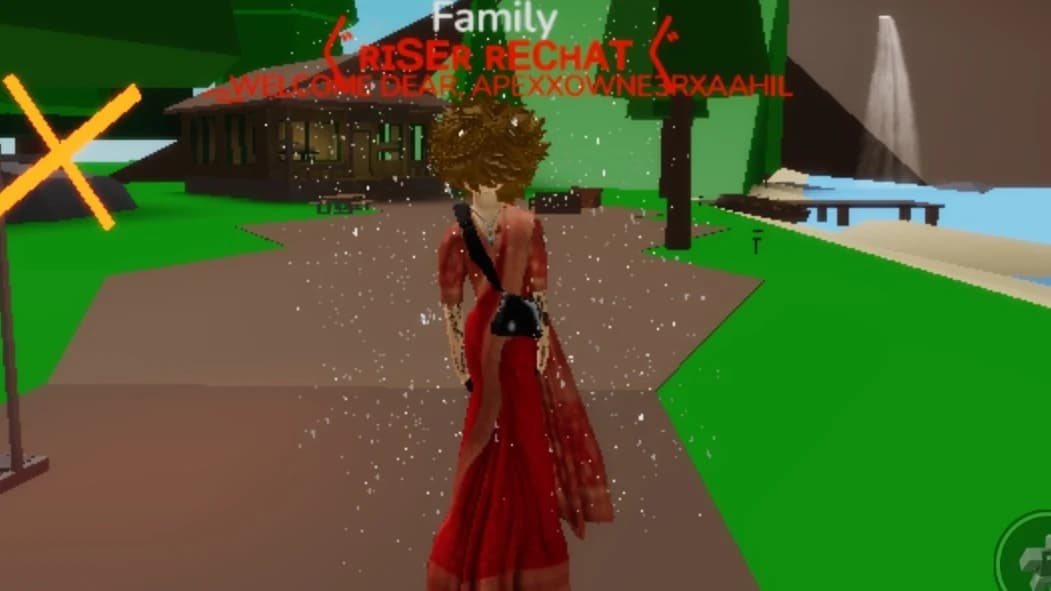
Weather Toggle - Enable/disable weather effects
Weather Type Dropdown - Choose from:
Rain (heavy rainfall effect)
Snow (falling snow particles)
Light Rain (gentle rain)
Stars (floating stars)
Hearts (love particles)
Emerald (green sparkle effects)
Self Effect Section
Self Effect Toggle - Enable/disable personal effects on your character
Effect Type Dropdown - Choose from:
Glow Aura (glowing halo effect)
Hearts (love particles around you)
Fire Trail (fire particles)
Sparkles (white sparkle particles)
MISC TAB - Utility & Settings
Server Section
Rejoin Server - Leave and rejoin a random server instance
Rejoin Same Server - Rejoin the exact same server you're currently in
Performance Section
FPS Cap Slider - Limit frame rate (10-240 FPS) to reduce GPU usage
White Screen Toggle - Enable white screen overlay to save GPU resources (GPU Saver mode)
Community Section
Join Our Discord - Copy Discord invite link to clipboard
Join Our Roblox Group - Copy Roblox group link to clipboard
Advertisement
Tap a chip for community notes
Share what works, ask questions, or report an issue.
No comments yet. Be the first to share your experience with this script.
3 lines · 158 B
Copying saves the code to your clipboard; it does not run it. Play opens the Roblox game. Check the script’s platform requirements and community notes before using it.