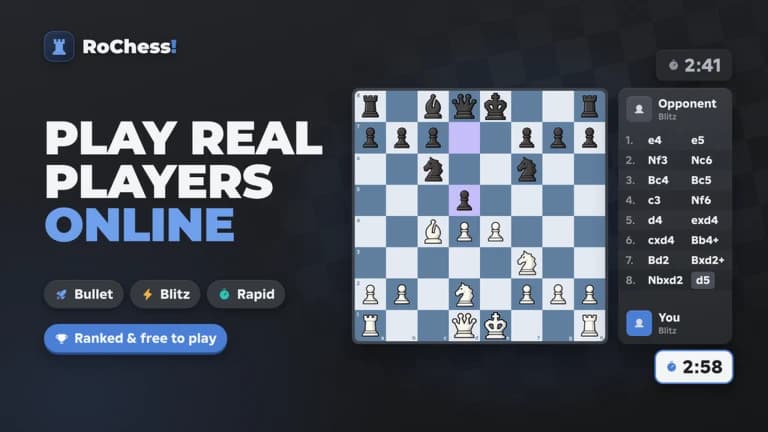
Kudus is a Roblox RoChess script featuring auto play, chess-engine move analysis, auto farming, puzzle automation, and local cosmetic customization—all through a configurable UI.
Features
Auto Play: Automatically play moves during your turns.
Auto Play Again: Automatically start another game after a match finishes.
Best Move Analysis: Stockfish 19 support with a local chess-engine fallback.
Auto Farming: Select bot games, online matchmaking, puzzles, or Puzzle Sprint.
Engine Settings: Adjustable search time, depth, candidate moves, and adaptive clock budgeting.
Board Assistance: Best-move arrows, opponent threat arrows, move highlights, and undefended-piece highlighting.
Puzzle Automation: Auto puzzles, exact available puzzle lines, and Puzzle Sprint support.
Auto Claim Tasks: Claim eligible completed task rewards.
Session Limits: Configurable win, puzzle, and session-time limits.
Board Controls: Auto queen, board flipping, and FEN/PGN copying.
Cosmetic Spoofer (LOCAL ONLY): Piece skins, piece color presets, board skins, effects, accessories, and backgrounds.
Custom Colors (LOCAL ONLY): Customize white and black pieces, light and dark squares, and the background.
Cosmetic Tools (LOCAL ONLY): Randomize cosmetics, preview effects, and restore the original appearance.
Requirements and Limitations
Designed for RoChess on Roblox.
The standard Kudus loader includes a key system?.
Stockfish analysis requires the separate local Stockfish helper running on your computer. Without it, the script uses its local engine fallback.
Cosmetic spoofing changes your local display only. It does not unlock inventory items or make other players see those changes.
Compatibility depends on your executor? and the current game version. Game updates may affect functionality.
Automation may violate Roblox or RoChess rules. Account restrictions are possible; this script is not advertised as undetectable or ban-proof.
How to Use
Join RoChess.
Copy the script from the Script tab.
Paste it into a compatible executor and execute it.
Complete key verification when prompted.
Choose your settings and enable the features you want.
Press K to minimize or restore the menu.
- Transparency: this script logs your username, and avatar