Bring Every Gunfight Into Focus
Explore a universal script setup tailored to the fast-paced FPS action of [🔥ZOMBIES] Hypershot. Build your preferred targeting and visibility configuration for Team Deathmatch, Capture the Flag, Free for All, and Gun Game, with settings designed around quick engagements and ability-driven movement.
Featured Configuration Options
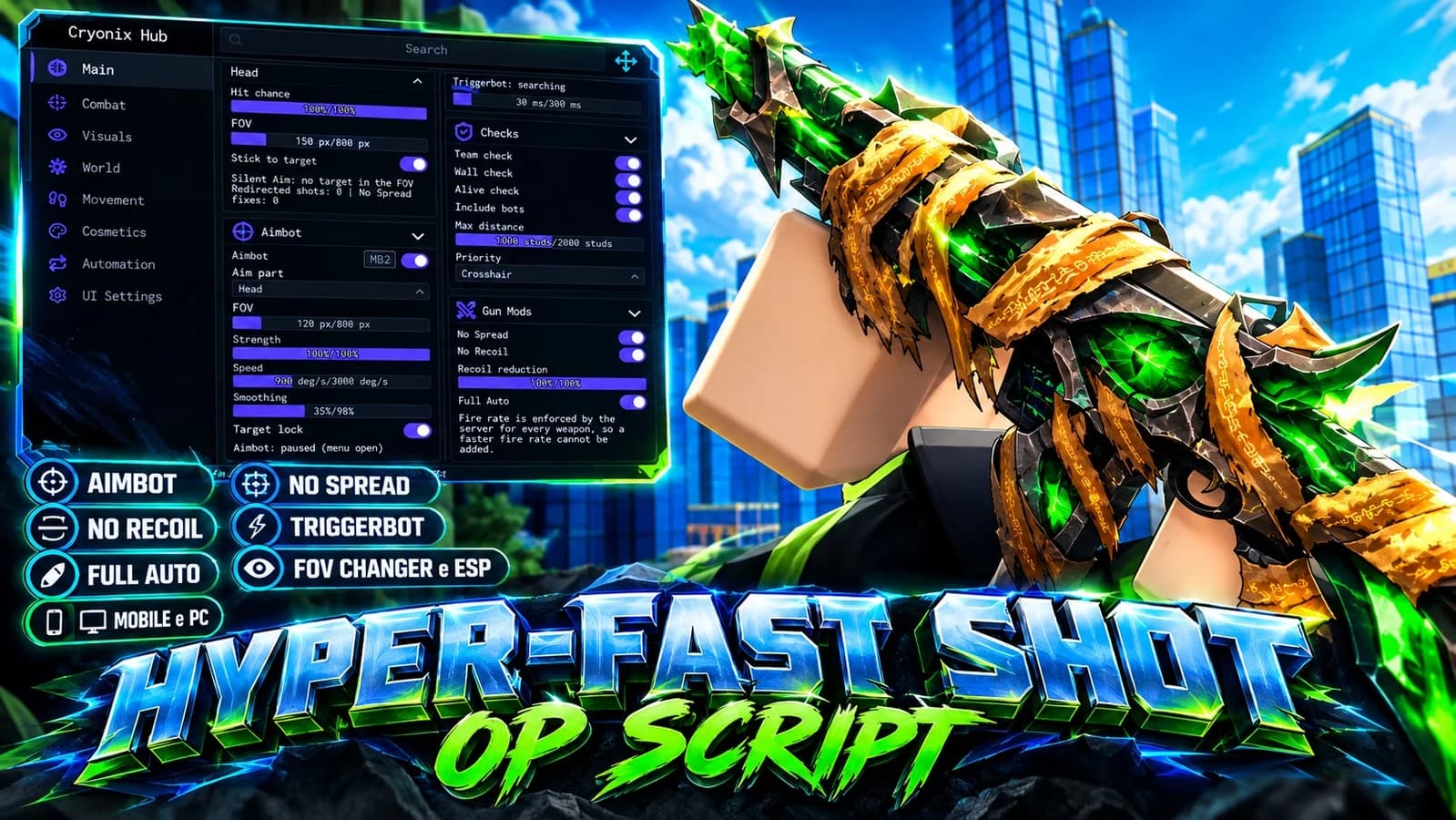
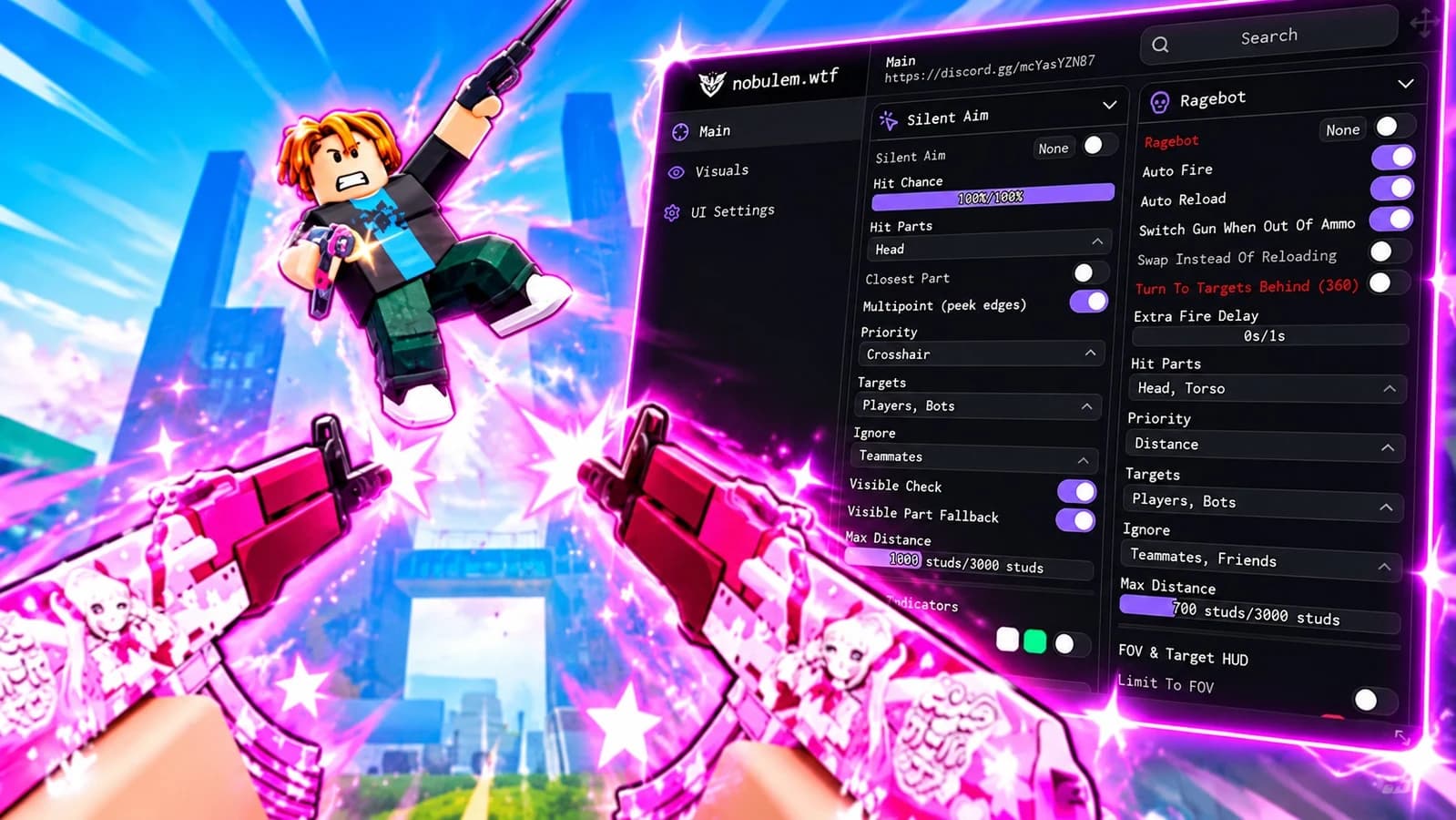
- Aimbot Controls: Configure targeting radius, aim smoothing, and target selection for close-range encounters and longer sightlines.
- Player ESP: Organize player boxes, distance indicators, and team colors to keep battlefield information easy to read.
- Hitbox Settings: Explore adjustable target-area settings through a streamlined configuration menu.
- Team Filtering: Separate friendly and opposing players when configuring targeting and ESP for team-based modes.
- Duel-Focused Layout: Keep visual overlays minimal for focused 1v1 and 2v2 matchups.
- Custom Profiles: Plan distinct configurations for classic gunfights, rotating Gun Game weapons, and objective-focused play.
Example Menu Keybinds
Illustrative bindings for a custom setup.
[RightShift] - Toggle Menu
[Q] - Toggle Aimbot
[E] - Toggle Player ESP
[H] - Open Hitbox Settings
[T] - Toggle Team Filter
Designed Around Hypershot's Shooter Gameplay
Prioritize the settings that matter in a fast-moving arena: target visibility, readable overlays, and convenient access to your preferred configuration. This universal-script overview focuses on FPS controls rather than unrelated farming or simulator features.