

Views: 11Executions: 9ExecutionsHow many times people ran this script. Copying it, downloading it or running it with the raw link all count. Max 10 per person a day.

- Keyless
- Mobile untested
Advertisement
Haze Seas is a Roblox pirate action RPG where the grind is built around quests, island routes, mobs, bosses, fruits, Haki, weapons, and stat growth. The scripts on this page are useful when you want to spend less time repeating the same level farm and more time testing builds, moving between islands, and pushing into later content.
For most players, the main pain is simple: you take a quest, fight the same mobs, return for the next quest, add stat points, then repeat. Autofarm Level, Auto Quest, Bring Mobs, Auto Attack, and teleport tools are popular because they reduce that loop.
Functions
Level Farm: Auto Level Farm
Multi Quest
Weapon Selection
Farm Method
Mob Offset
Tween Speed
Auto Skills: Skill Z
Skill X
Skill C
Skill V
Boss Farm: Boss Selection
Auto Accept Boss Quest
Auto Farm Boss
Sea Beast: Auto Farm Sea Beast
Auto Stats: Auto Stats
Stat Selection
Points Per Stat
Fruit Farm: Auto Fruit Farm
Auto Store Fruit
Fruit Shop: Fruit Selection
Auto Fruit Shop
Fruit Spin: Auto Spin with Beli
Chest Farm: Auto Chest Farm
Island Teleport: Island Selection
Teleport to Island
Haki: Auto Buso Haki
Auto Observation Haki
Auto Conqueror Haki
Auto Buy Haki
Sea Progression: Auto Sea 2 Quest
Gear: Auto Buy Gear
Kaitun: Build Selection
Target Fighting Style
Target Swords
Equip Sword
Target Fruit
Max Level
Auto Kaitun
Webhook: Webhook URL
Auto Status Webhook
Keybinds: Reset All Keybinds
Show Keybinds Menu
Menu: Unload Script
Show Notifications
Disable 3D Rendering
Theme: Rainbow Accent
Theme Selection
Set Default Theme
Custom Theme
Config: Create
Save
Load
Delete
Auto Save
Global Config
Silent Launch
Advertisement
Haze Seas
Haze Seas

Haze Seas
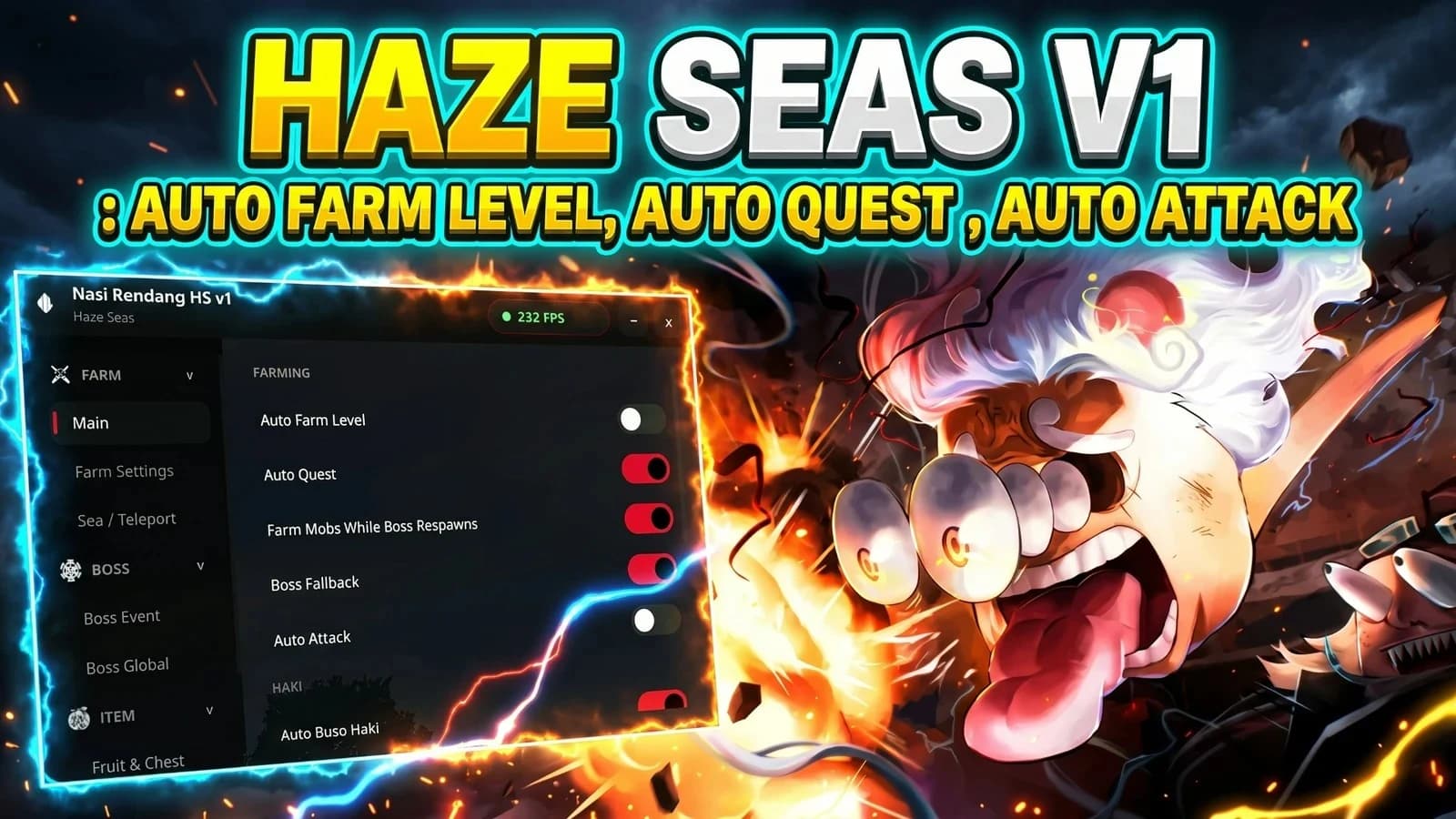
Haze Seas
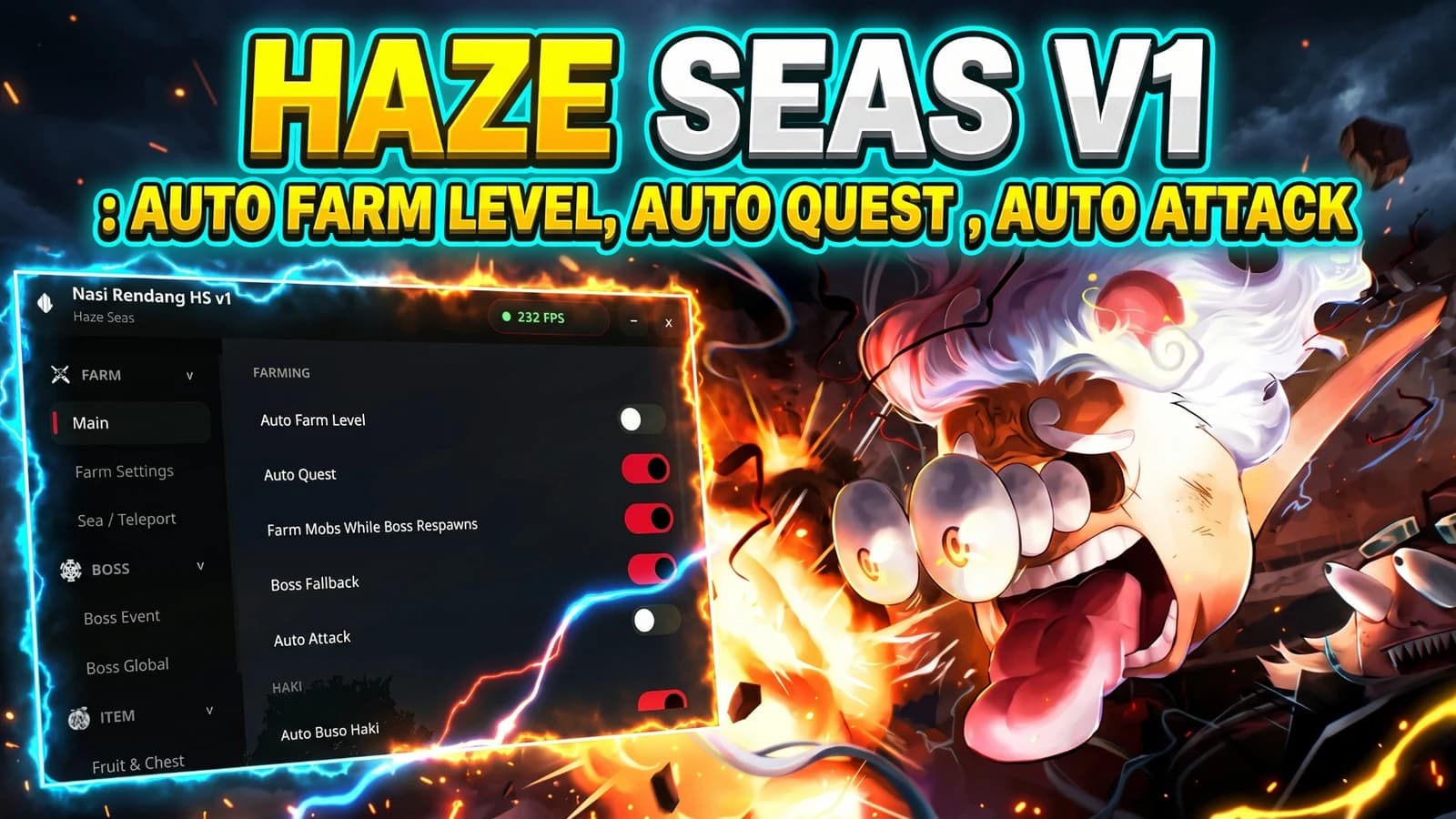
Haze Seas
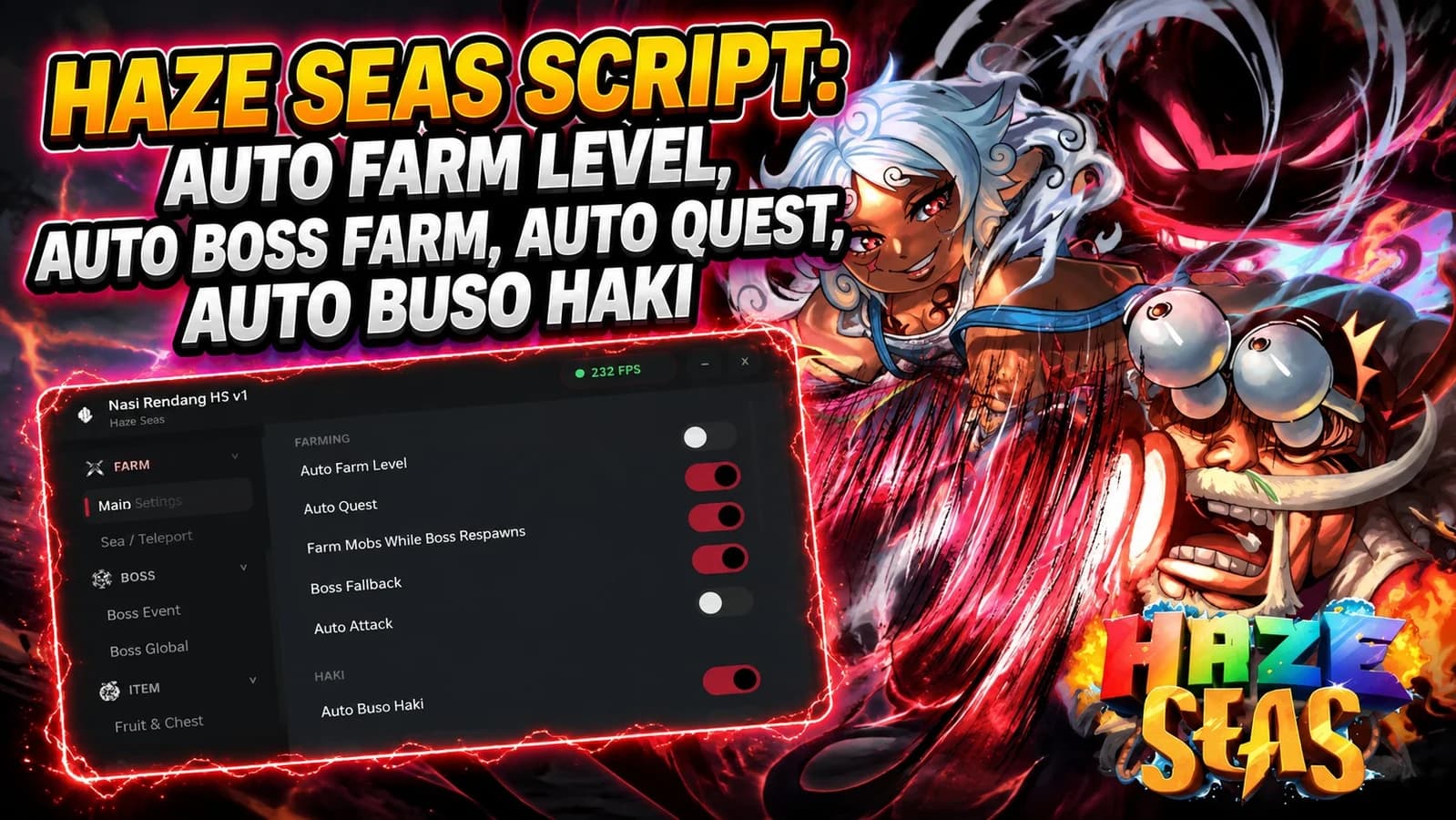
Haze Seas
Tap a chip for community notes
Share what works, ask questions, or report an issue.
No comments yet. Be the first to share your experience with this script.
10 lines · 419 B
Copying saves the code to your clipboard; it does not run it. Play opens the Roblox game. Check the script’s platform requirements and community notes before using it.