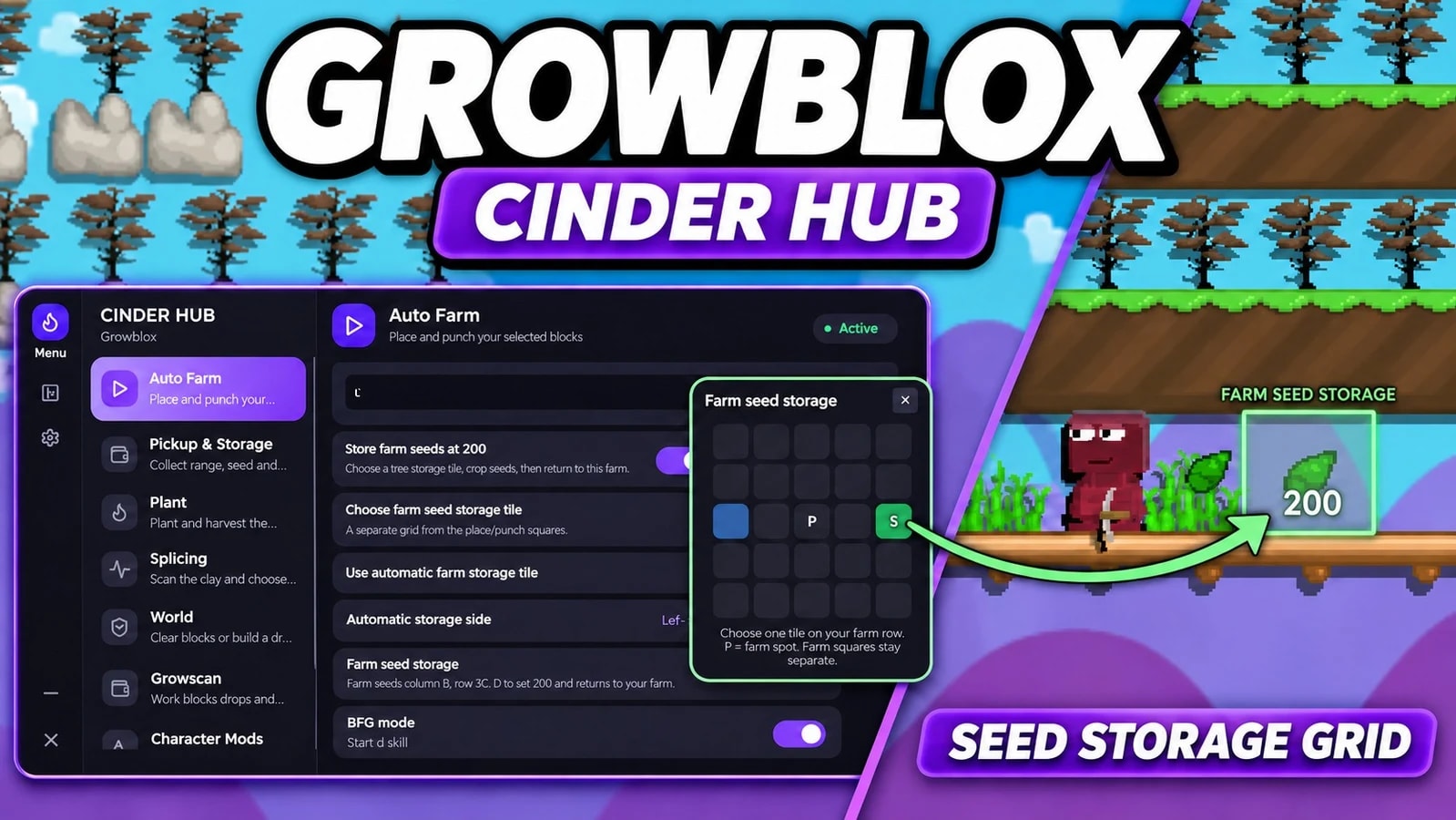
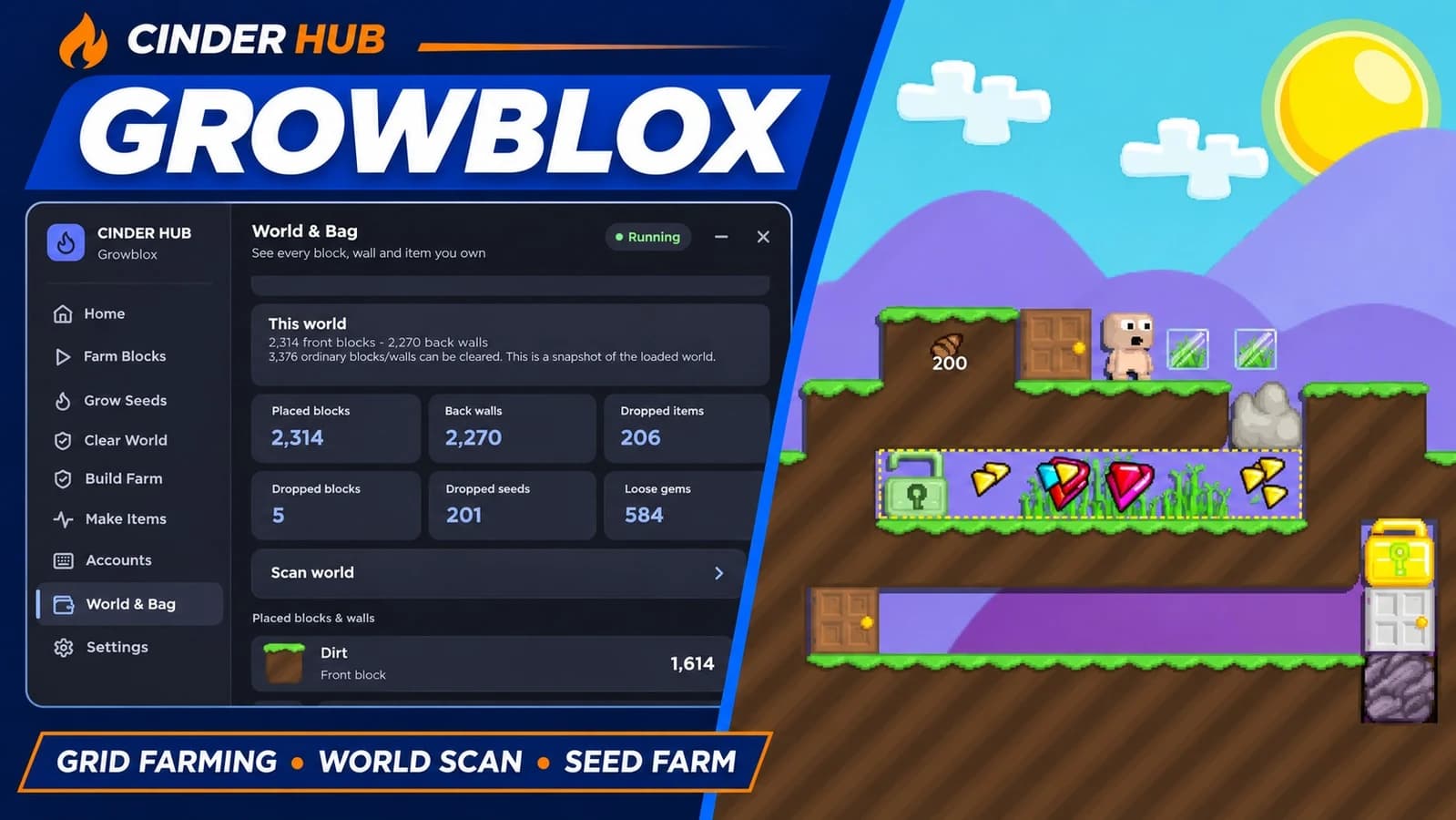
Auto Farm — Automatically place and punch selected blocks using a customizable farm grid.
Separate Seed Storage Grid — Choose Auto Farm’s storage tile independently from its farming squares.
Store Seeds at 200 — Drop the full seed stack, return to the farm spot and continue.
Auto Place / Punch Only — Run placement or breaking separately.
BFG Mode — Farm while standing still.
Auto Plant — Plant your selected seeds on supported, available tiles.
Auto Harvest — Harvest selected trees while skipping storage-reserved tiles.
Harvest Storage — Store harvested seeds and selected blocks on the chosen side.
Auto Collect — Independently collect nearby drops and gems, with optional walking to farther piles.
Custom Storage — Set manual storage locations, thresholds and additional items to store.
Auto Restock — Retrieve farm blocks from a designated storage pile.
World Clearing — Clear ordinary blocks across the world or work on the current row, with optional background clearing.
Resource Farming — Dedicated rock and lava farming modes.
Dirt Farm Builder — Build dirt farm rows with dirt-growing and climbing options.
Auto Splice — Search diary recipes and splice selected seeds.
Single-Tree Farm — Plant, wait, harvest and collect from one tree.
Alt Support — Account synchronization, worker slots and team breaking.
Growscan — Inspect world blocks, walls, loose items, gems and inventory.
Fast Drop — Drop a selected inventory stack without the quantity dialog.
Saved Settings & Hotkeys — F8 emergency stop and Right Shift to show or hide the menu.