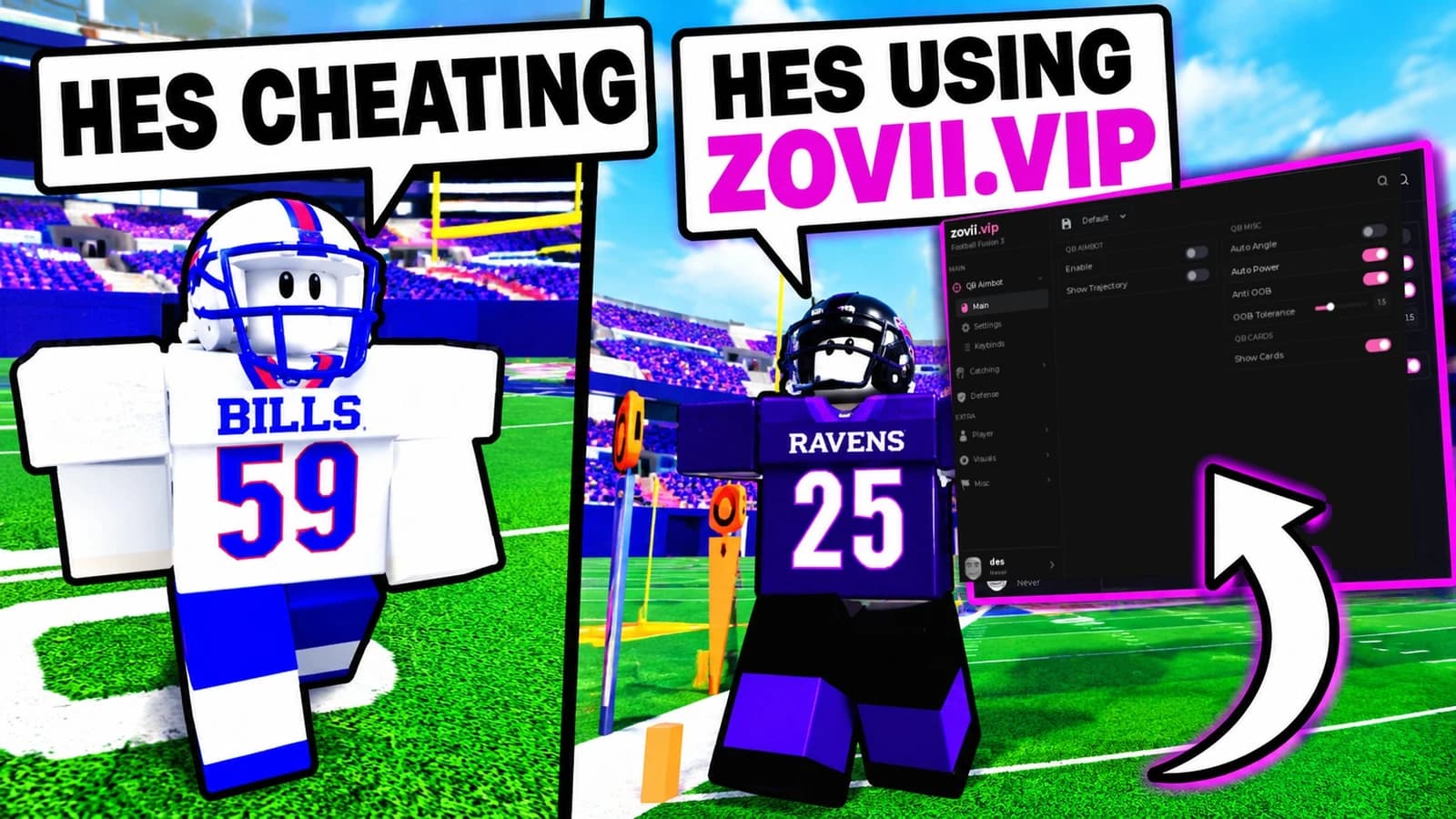
Take Command of the Field in Football Fusion 3
Bring a streamlined utility menu to Roblox football with a universal script setup focused on visibility, movement, and quick controls. Built around the pace of a team-based sports experience, this layout keeps useful options close during passing plays, defensive coverage, and open-field runs.
Featured Utilities
- Player ESP: Highlight player positions for a clearer view of receivers, defenders, and coverage gaps.
- Adjustable Field of View: Customize your camera perspective to keep more of the field in sight.
- Movement Controls: Access configurable speed and jump settings from one compact panel.
- Camera Utilities: Adjust your viewing setup for tracking routes and reviewing field positioning.
- Quick Toggles: Switch individual utilities on or off without digging through lengthy menus.
- Universal Interface: Organize visual and movement options in a straightforward Roblox utility layout.
Example Keybind Layout
[RightShift] - Toggle Menu
[V] - Toggle Player ESP
[F] - Toggle Expanded Field of View
[G] - Toggle Movement Settings
[R] - Reset Camera Settings
A Football-Focused Setup
Keep the emphasis on field awareness, responsive controls, and readable positioning. This Football Fusion 3 universal script concept pairs a clean interface with utilities suited to the game's realistic football mechanics and teamwork-driven action.