
Views: 2.1KExecutions: 1.1KExecutionsHow many times people ran this script. Copying it, downloading it or running it with the raw link all count. Max 10 per person a day.

Copy it, then tell others if it worked.
- Key required
- Mobile friendly
Advertisement
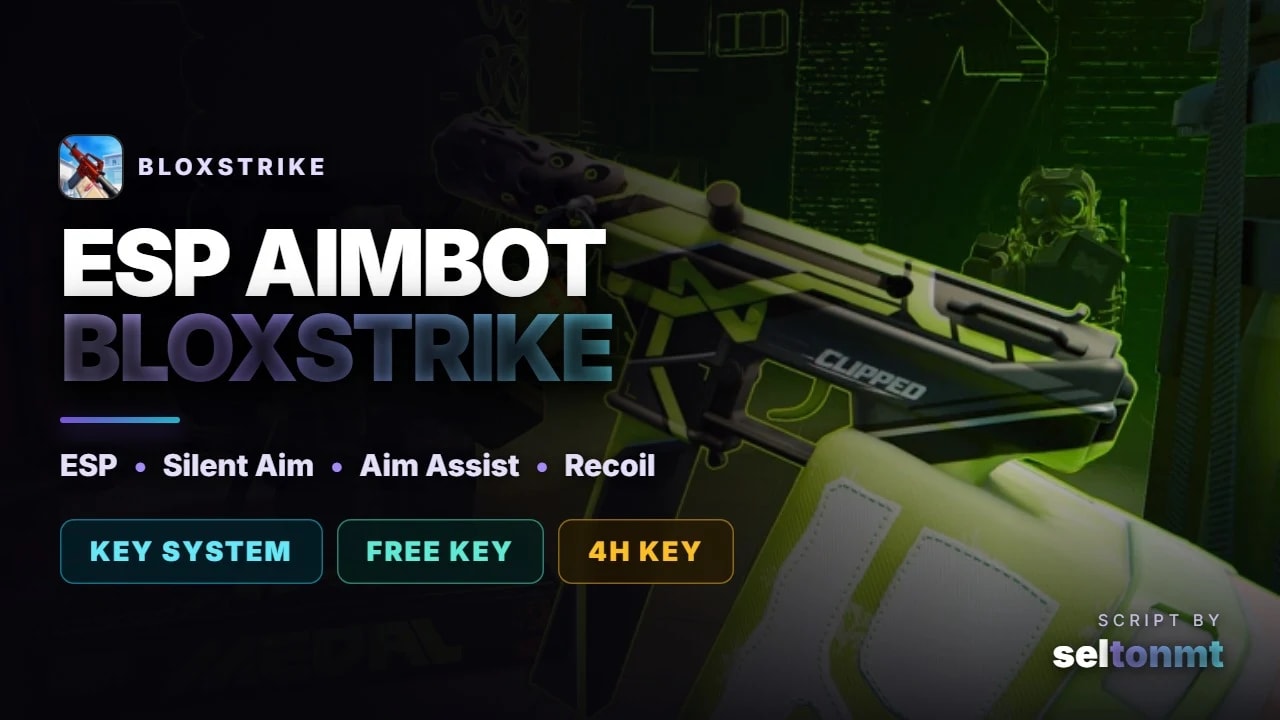
ESP and aim tools for BloxStrike. Open the panel, switch on what you want, and you can see every enemy through the map - including things the game never shows you.
FEATURES
ESP - box, name, health, distance, head marker and full skeleton
Live weapon - the gun actually in their hands, with a mark while they are scoped or crouched
Ammo - how many rounds are left in an enemy magazine, not just your own
Armour and money - + for kevlar, ! for kevlar and helmet, K for a defuse kit
Aiming at you - highlights any enemy whose crosshair is on you before he fires
Chams - seven styles, two of them only light enemies up behind cover
Silent aim - you shoot as normal and the bullet goes to the head. Nothing fires by itself: your own shot is redirected on its way out. Own page, off by default, with a test mode that changes nothing and only shows what it would have hit
Aim assist - camera only, separate horizontal and vertical smoothing, framerate independent, own settings for the first bullet and the rest of the spray
Triggerbot - random reaction delay, hit chance, refire lockout, burst limit, head only
Recoil control - uses the game's own spray pattern, or measures your sensitivity itself, and shows how many corrections actually reached the mouse
Humanisation page - reaction time, target switch lockout, aim drift, overshoot, dead zone and a turn rate limit in degrees per second
This script uses a free key that lasts 4 hours. Load the script, press the button in the panel, complete the short link, and paste the key back in. One key unlocks every protected Selux script.
MOBILE
Works on mobile executors. The panel asks PC or phone on first run and scales itself, in four languages.
HOW TO RUN
1. Copy the script below
2. Execute it while you are in BloxStrike
3. Press the key button in the panel and paste your free key
LAST UPDATED 28.08.2026 - silent aim added, aim assist and recoil control fixed, key system.
Tested on Potassium (Windows). Panel: RightShift.
Advertisement
Tap a chip for community notes

luxarcBloxStrike


FieldKitBloxStrike

VastyVerifiedBloxStrike


KuuraxBloxStrike
Share what works, ask questions, or report an issue.
m4sk3d
detected :wahhh:
10 lines · 457 B