
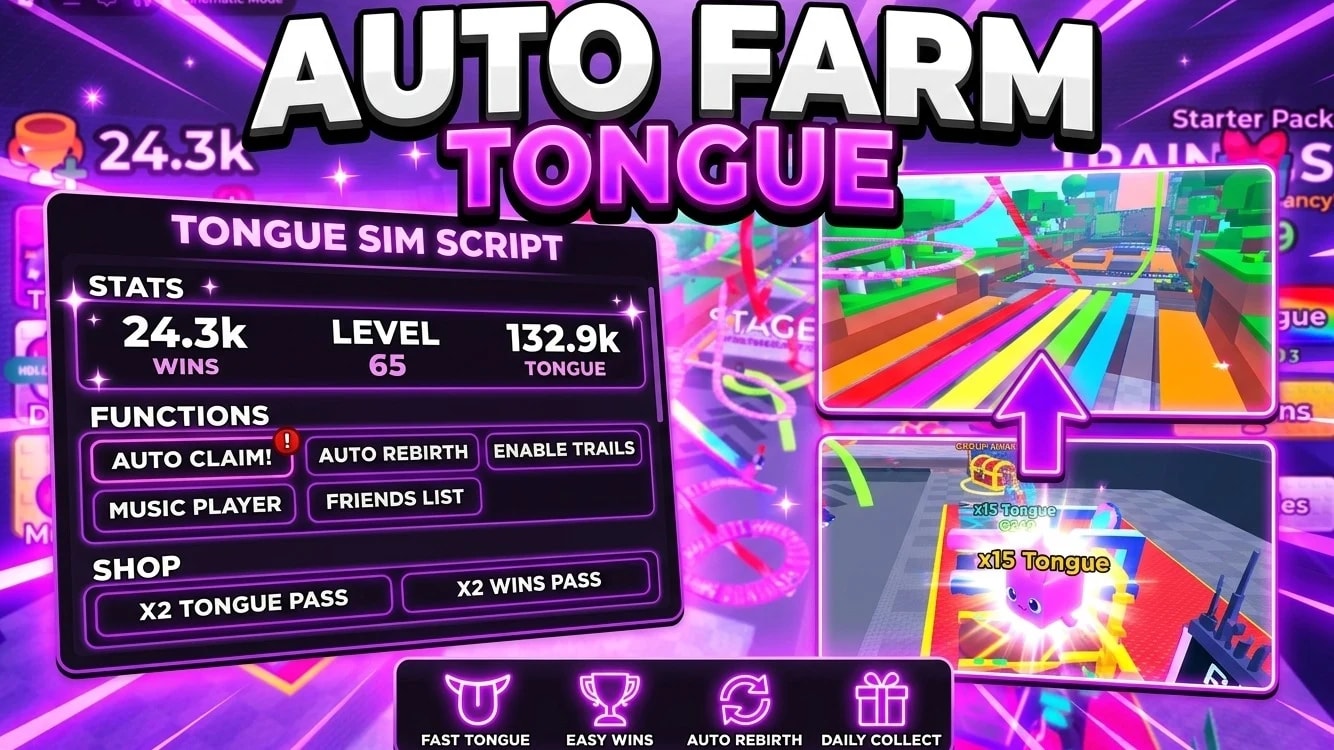
Views: 1.2KExecutions: 171ExecutionsHow many times people ran this script. Copying it, downloading it or running it with the raw link all count. Max 10 per person a day.

- Key required
- Mobile friendly
Advertisement
Key Movement & Navigation Features
✈️ Smart Flight
Smooth and responsive flight control with precise adjustment of both speed and altitude, giving you complete control over movement.
🧱 Noclip
Move freely through obstacles, walls, and buildings, allowing you to bypass physical barriers with ease.
⚡ Teleportation
Instantly teleport a selected distance or launch yourself upward for fast repositioning and quick movement.
🤾 Throw & Push
Provides multiple built-in throw and push actions for your character, designed for quick and convenient use.
🏃 Smart Walking
Advanced movement control with adjustable speed, allowing faster and more responsive walking than standard movement systems.
🧭 Direction Lock
Locks your character's movement to a specific direction, providing precise directional control while flying or walking.
🗺️ Map & Exploration Tools
🔍 Player Tracking
Advanced player-tracking technology that helps locate and follow other players accurately across the map.
📍 Save Locations
Save important locations and organize them for quick access whenever needed with a single button press.
🛤️ 3D Path
A visual 3D navigation system that helps identify paths and movement routes, making exploration and navigation easier.
🎯 Advanced Combat Panel
A dedicated combat and movement interface that brings essential gameplay tools together in one convenient panel.
🔫 Advanced Aim System
🎯 Aimbot
What it does: Automatically moves the camera or crosshair toward the fastest visible player entering the configured Field of View (FOV).
Benefit: Reduces the need for manual aiming and can automatically switch to the next visible target after the current target is eliminated.
🔥 Auto-Fire
What it does: Automatically triggers the weapon when a valid target is detected and engaged.
Benefit: Removes the need for repeated manual firing, allowing the aiming and firing system to operate together automatically.
👁️ Field of View Customization
What it does: Allows you to adjust the size and position of the targeting field, including a centered FOV or cursor-based positioning.
Benefit: Gives you complete control over the targeting area, whether you prefer a focused center area or a wider, more flexible setup.
⏱️ Aim Speed
What it does: Uses an adjustable slider to control how quickly the camera moves toward a selected target, from slow and precise movement to near-instant targeting.
Benefit: Allows you to fine-tune the aiming behavior according to your preferred movement speed and play style.
🟥 Combat Radar / ESP
What it does: Works alongside the aiming system to display red boxes around visible players and show their names.
Benefit: Provides a clear overview of nearby opponents, making it easier to identify targets even when the environment partially obstructs visibility.
🚀 Automatic First-Time Setup
⚙️ One-Click Initialization
What it does: The first time you activate the Aimbot, the system automatically creates the required configuration file and initializes the Aimbot, Auto-Fire, ESP, and startup features together.
Benefit: Everything is configured automatically with a single action, eliminating the need to activate and configure each feature individually.
⚙️ User Interface & Languages
🌍 Dynamic Localization
What it does: The interface and menus support four languages: Arabic, English, Spanish, and Portuguese.
Benefit: Changing the language immediately updates button names, menus, and options throughout the interface without requiring a restart.
🟢 Visual Status System
What it does: Uses a consistent button design to clearly indicate feature states. Disabled options appear neutral/gray, while enabled options are highlighted in green with a clear ON status.
Benefit: You can instantly identify which features are active, even during fast-paced gameplay, while the interface remains clean and properly aligned across different window sizes.
Advertisement
Almighty_07+1 Tongue Escape 😛

Sevenstar+1 Tongue Escape 😛

NoahLiam+1 Tongue Escape 😛

asadhassi+1 Tongue Escape 😛
rafayhas+1 Tongue Escape 😛
Share what works, ask questions, or report an issue.
No comments yet. Be the first to share your experience with this script.
22 lines · 860 B