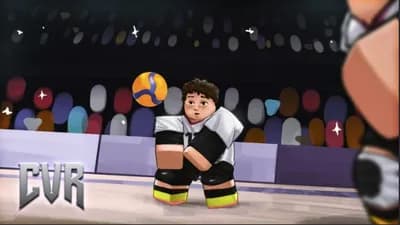
Take Control of the Court in CVR: Retro
Bring a streamlined universal script interface to [🌎UPD 8] CVR: Retro, the Roblox volleyball experience by Certified Studios. Organize your movement tools, camera preferences, and control references around fast rallies, powerful serves, and well-timed blocks.
A Volleyball-Focused Setup
Keep the focus on receiving, setting, spiking, and blocking with a compact menu designed for quick adjustments between points. Save interface preferences and keep essential volleyball controls within easy reach.
Feature Highlights
- Universal Dashboard: Access movement settings, camera options, and interface preferences from one menu.
- Movement Presets: Organize custom movement settings for court navigation and practice sessions.
- Camera Customization: Adjust your viewing preferences for a clearer perspective during rallies.
- Power Control Reference: Keep Q/E power adjustments visible while practicing serves and attacks.
- Action Reference Panel: Review receiving, diving, setting, and aerial attack controls at a glance.
- Quick Interface Toggle: Hide the dashboard to keep your view focused on the ball.
Menu Keybinds
[RightShift] - Toggle Menu
[F6] - Toggle Control Reference
[F7] - Cycle Camera Presets
[F8] - Minimize Dashboard
CVR: Retro Default Controls
[G] Spawn Ball • [V] Basic Serve • [T] Sprint
[Q/E] Adjust Power • [F/R] Set Forward/Backward
[3] Dive • [1] Toggle Spiking/Blocking While Jumping
[Click] Receive on the Ground or Spike While Jumping in Spiking Mode
A clean, volleyball-centered universal script layout for your next CVR: Retro session.