
Views: 10Executions: 16ExecutionsHow many times people ran this script. Copying it, downloading it or running it with the raw link all count. Max 10 per person a day.

- Keyless
- Mobile untested
Advertisement
Advertisement

kxzkx_500% UR BOOST! Cursed Tank Simulator「FIRE SUPPORT」
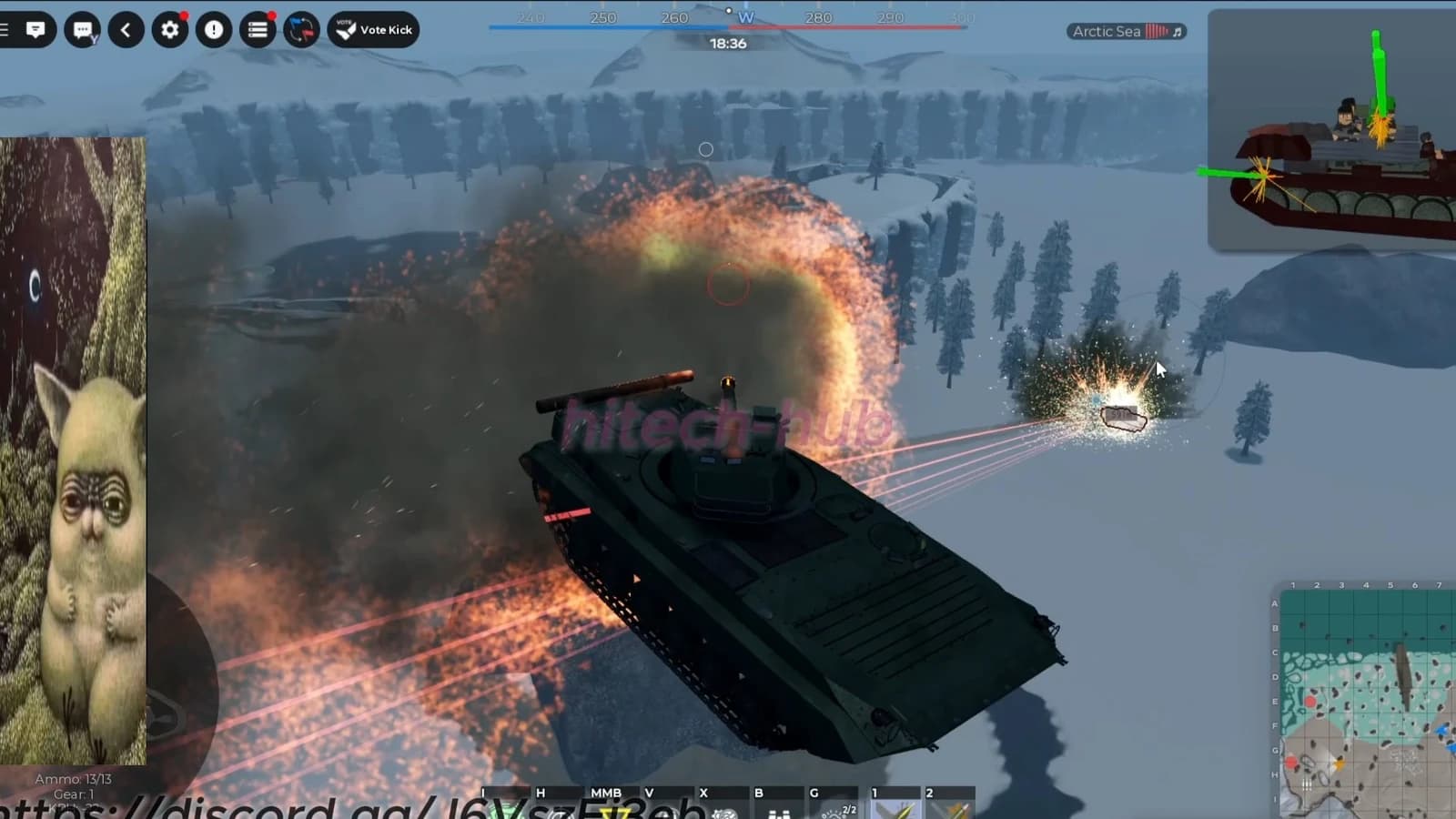

sukenxp500% UR BOOST! Cursed Tank Simulator「FIRE SUPPORT」


Vyx500% UR BOOST! Cursed Tank Simulator「FIRE SUPPORT」

RAWHUB500% UR BOOST! Cursed Tank Simulator「FIRE SUPPORT」

Qwiix500% UR BOOST! Cursed Tank Simulator「FIRE SUPPORT」

030Verified500% UR BOOST! Cursed Tank Simulator「FIRE SUPPORT」
Tap a chip for community notes
Share what works, ask questions, or report an issue.
No comments yet. Be the first to share your experience with this script.
10 lines · 421 B