Views: 14Executions: 20ExecutionsHow many times people ran this script. Copying it, downloading it or running it with the raw link all count. Max 10 per person a day.

Copy it, then tell others if it worked.
- Key required
- Mobile friendly
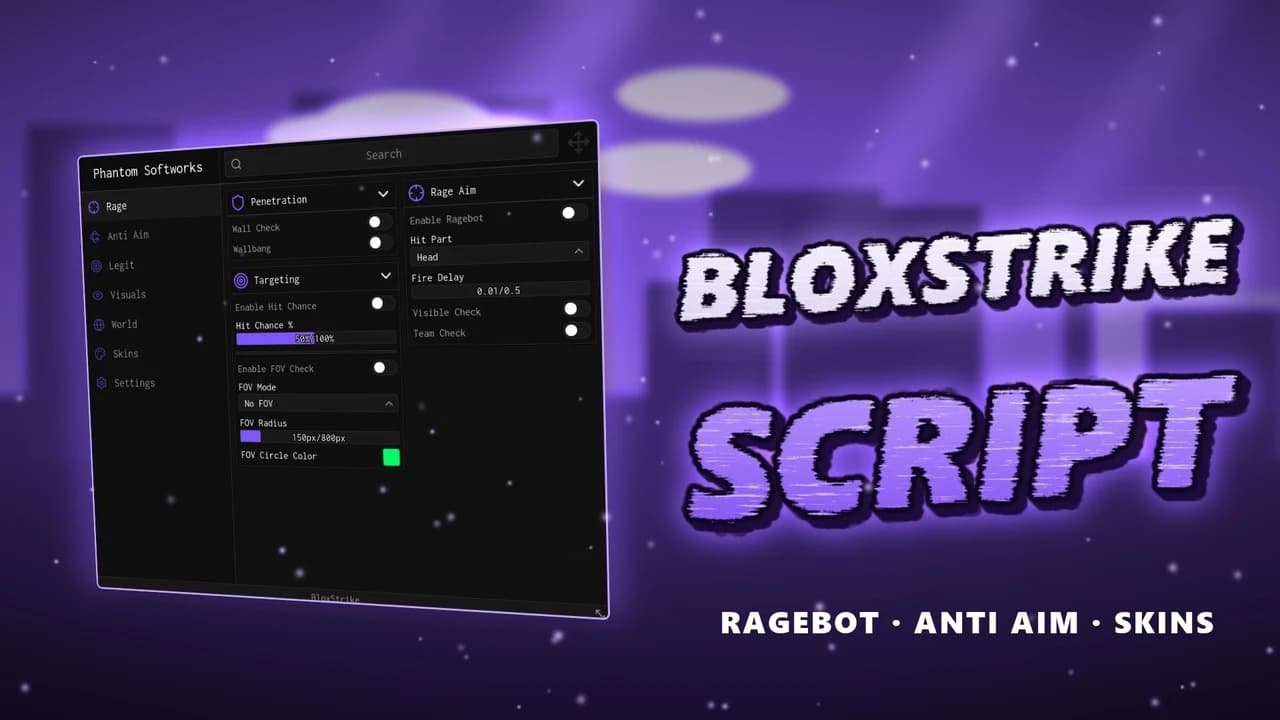
School Hub for BloxStrike combines aiming tools, weapon controls and configurable ESP in one interface.
Silent Aim offers target-part, FOV, distance, hit-chance and target-filter settings. Camera Aimbot has target priority and smoothing, while Legit Aim has separate FOV, distance, body-part, smoothing and activation settings. Triggerbot adds its own activation, delay and interval controls.
Recoil Control and Spread Control have adjustable strength. Auto Reload can wait for an empty magazine or use a chosen ammo threshold. Auto Scope has its own delay. These controls can be enabled independently.
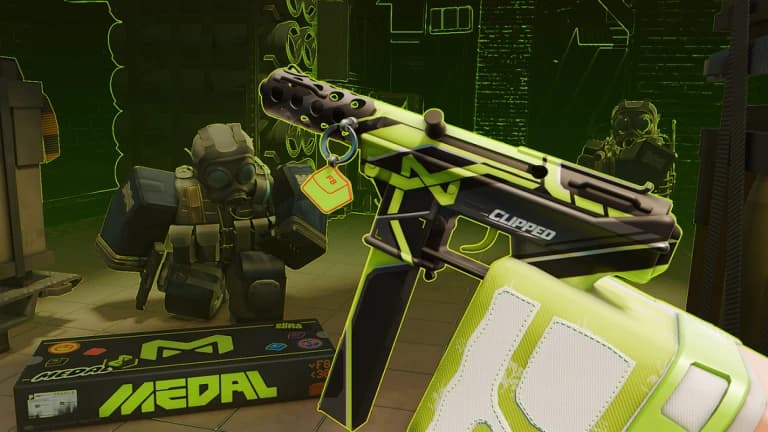
ESP supports eligible players and native bots, with boxes, skeletons, names, distance, available health, weapon labels and highlights. Choose team and visibility filters, maximum distance, text size and visual settings. ESP uses only current positions available to the client; it does not provide permanent tracking of hidden enemies.
The GUI includes 10 languages, themes, scaling, saved passive preferences and Pause. Press Insert to show or hide the menu. Run the public loader, complete the free key check and enable your chosen features. Activity switches start off. Native cooldowns, weapon restrictions and game-mode rules still apply.
10 lines · 457 B
Share what works, ask questions, or report an issue.
No comments yet. Be the first to share your experience with this script.
Advertisement
Advertisement
Advertisement