
Views: 49.9KExecutions: 2.0KExecutionsHow many times people ran this script. Copying it, downloading it or running it with the raw link all count. Max 10 per person a day.

- Key required
- Mobile friendly
Advertisement
# Mine Solver Guide
## Main Use
Shows safe cells, mine cells, and safety percentage.
## Buttons
Analyze = Scan nearby cells
Auto = Auto refresh
Flag = Auto flag certain mines
Flags = Use placed flags
Frontier = Show important nearby cells
All Safe = Show more cells
Threshold = Show only safer cells
Clear = Remove markers
Radius = Scan range
Mines = Total mine count
Flag Range = Auto flag distance
## Markers
✓ = Safe
✕ = Mine
80% = Safe chance
## PC Controls
Right Control = Show / hide UI
F = Auto flag on / off
## Mobile Controls
MS = Show / hide UI
Drag MS = Move button
## Best Settings
Auto ON
Flags ON
Frontier ON
Threshold 70% or 80%
Auto Flag OFF unless allowed
## Notes
Green check is safest.
Percent is only an estimate.
Lower radius if laggy.
Advertisement

doinieate🎃 bLockerman's Minesweeper 🎃

Trophyhub🎃 bLockerman's Minesweeper 🎃

Qanuir🎃 bLockerman's Minesweeper 🎃
Qanuir🎃 bLockerman's Minesweeper 🎃
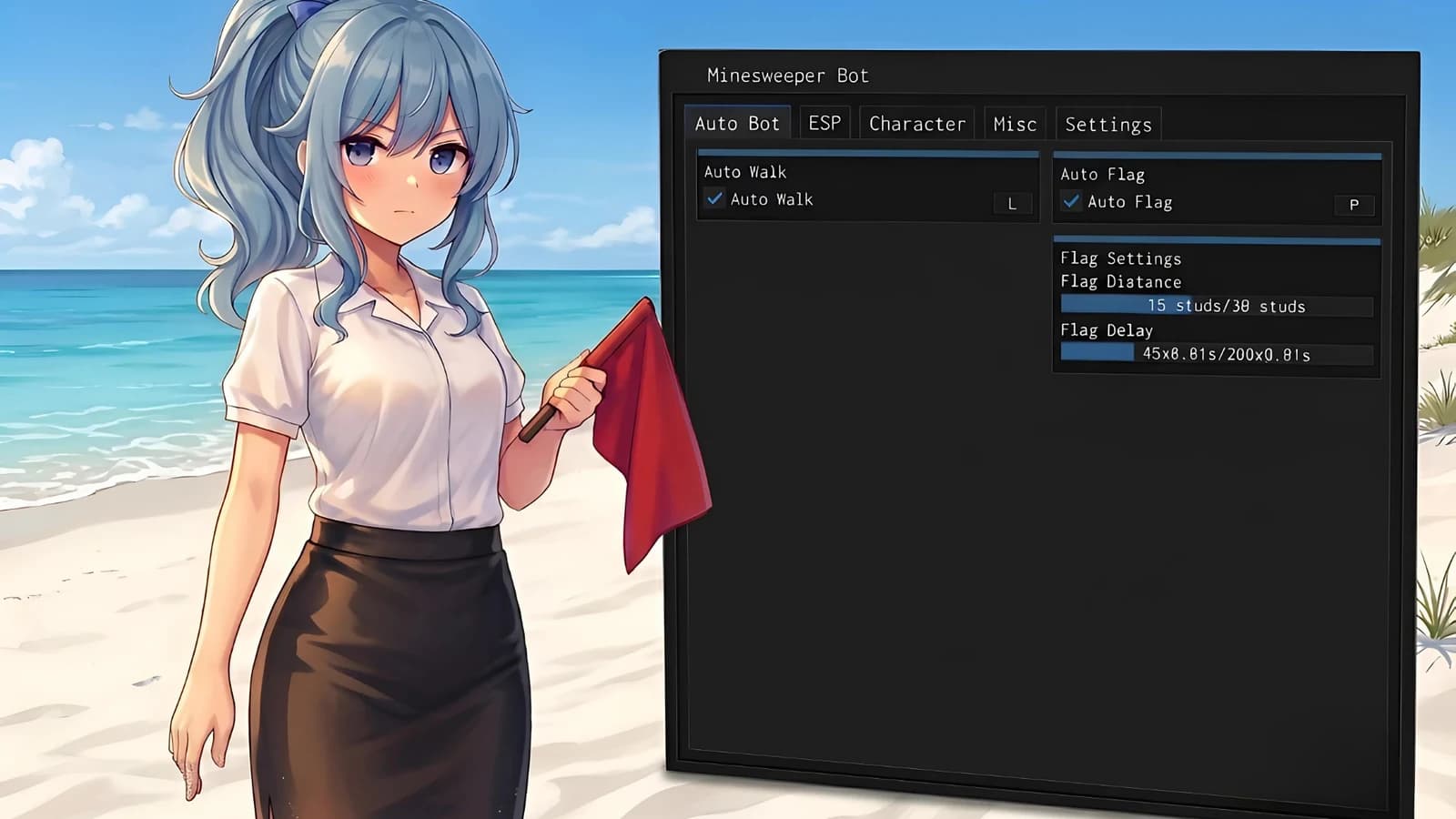

Longtokai🎃 bLockerman's Minesweeper 🎃


PerplexityVerified🎃 bLockerman's Minesweeper 🎃
Share what works, ask questions, or report an issue.
No comments yet. Be the first to share your experience with this script.
10 lines · 425 B
Tap a chip for community notes