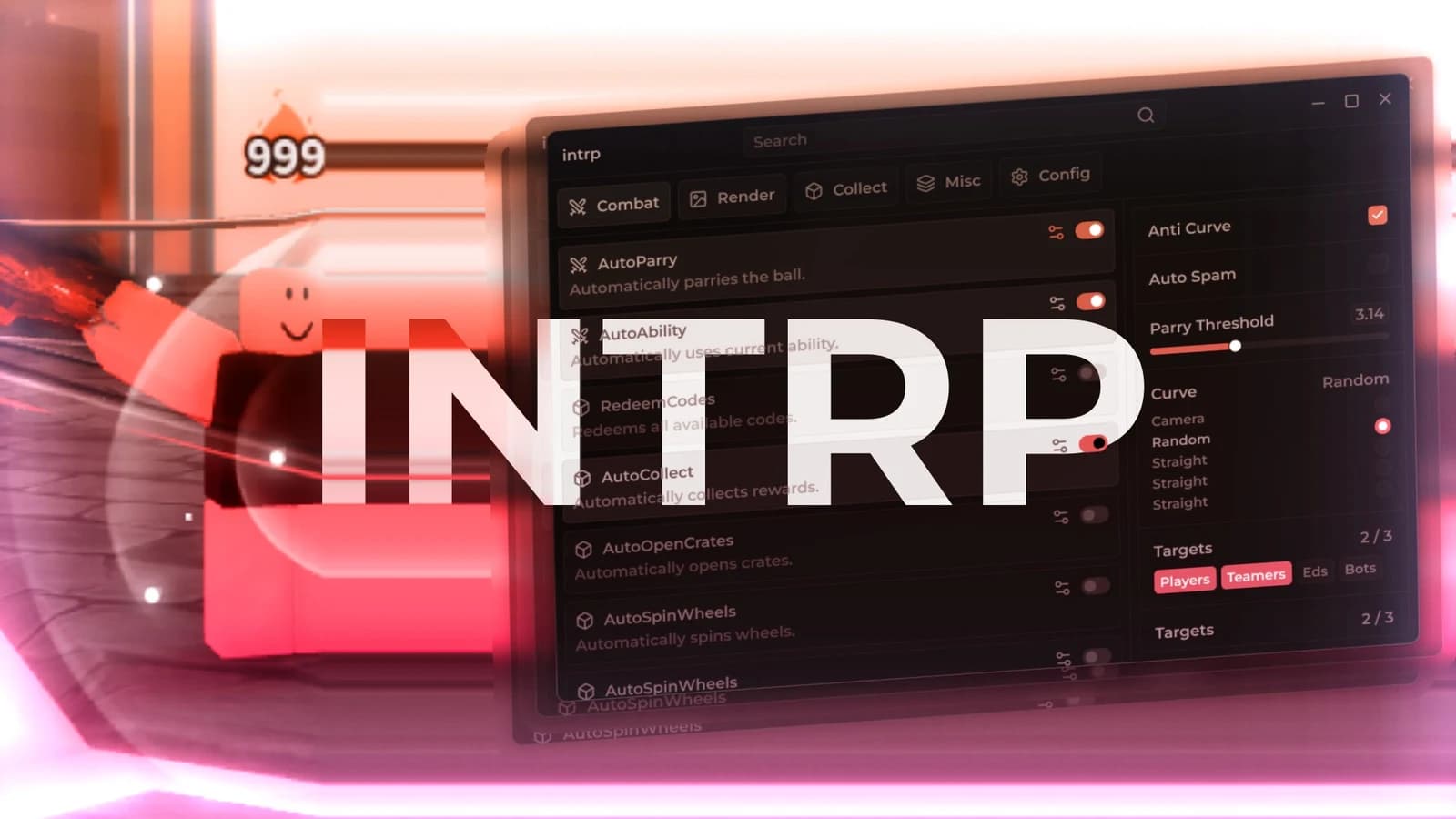
-- Roblox Auto Clicker & UI Button Interface
local Players = game:GetService("Players")
local CoreGui = game:GetService("CoreGui")
local VirtualUser = game:GetService("VirtualUser")
local player = Players.LocalPlayer
local playerGui = player:WaitForChild("PlayerGui")
-- Prevent duplicate UI instances if re-running the script
if playerGui:FindFirstChild("AutoClickerGui") then
playerGui.AutoClickerGui:Destroy()
end
-- Create the Screen Interface Container
local screenGui = Instance.new("ScreenGui")
screenGui.Name = "AutoClickerGui"
screenGui.ResetOnSpawn = false
screenGui.Parent = playerGui
-- Create the Toggle Button Element
local toggleButton = Instance.new("TextButton")
toggleButton.Name = "ToggleButton"
toggleButton.Size = UDim2.new(0, 160, 0, 50)
toggleButton.Position = UDim2.new(0, 20, 0.5, -25) -- Placed comfortably on mid-left screen edge
toggleButton.BackgroundColor3 = Color3.fromRGB(40, 40, 40)
toggleButton.TextColor3 = Color3.fromRGB(255, 60, 60) -- Red initially when OFF
toggleButton.TextSize = 16
toggleButton.Font = Enum.Font.SourceSansBold
toggleButton.Text = "Auto Clicker: OFF"
toggleButton.Parent = screenGui
-- Add rounded visual corners to the button
local uiCorner = Instance.new("UICorner")
uiCorner.CornerRadius = UDim.new(0, 8)
uiCorner.Parent = toggleButton
-- Background state monitoring variable
local isClicking = false
-- Execute the automation loop asynchronously
task.spawn(function()
while true do
if isClicking then
-- Safely simulate a standard left-mouse button down interaction at the center of view
VirtualUser:Button1Down(Vector2.new(0, 0), workspace.CurrentCamera.CFrame)
task.wait(0.01) -- Fires at an ultra-fast interval of 10 milliseconds
else
task.wait(0.1) -- Idle structural delay to keep CPU overhead low while inactive
end
end
end)
-- Connect click interaction handler to the UI Button
toggleButton.MouseButton1Click:Connect(function()
isClicking = not isClicking
if isClicking then
toggleButton.Text = "Auto Clicker: ON"
toggleButton.TextColor3 = Color3.fromRGB(60, 255, 60) -- Green feedback when actively clicking
toggleButton.BackgroundColor3 = Color3.fromRGB(20, 50, 20)
else
toggleButton.Text = "Auto Clicker: OFF"
toggleButton.TextColor3 = Color3.fromRGB(255, 60, 60) -- Revert to red
toggleButton.BackgroundColor3 = Color3.fromRGB(40, 40, 40)
end
end)
Comments
-Btw it’s my first time putting a script here. -