
Views: 2Executions: 4ExecutionsHow many times people ran this script. Copying it, downloading it or running it with the raw link all count. Max 10 per person a day.

- Key required
- Mobile friendly
🏠 HOME
Tapping
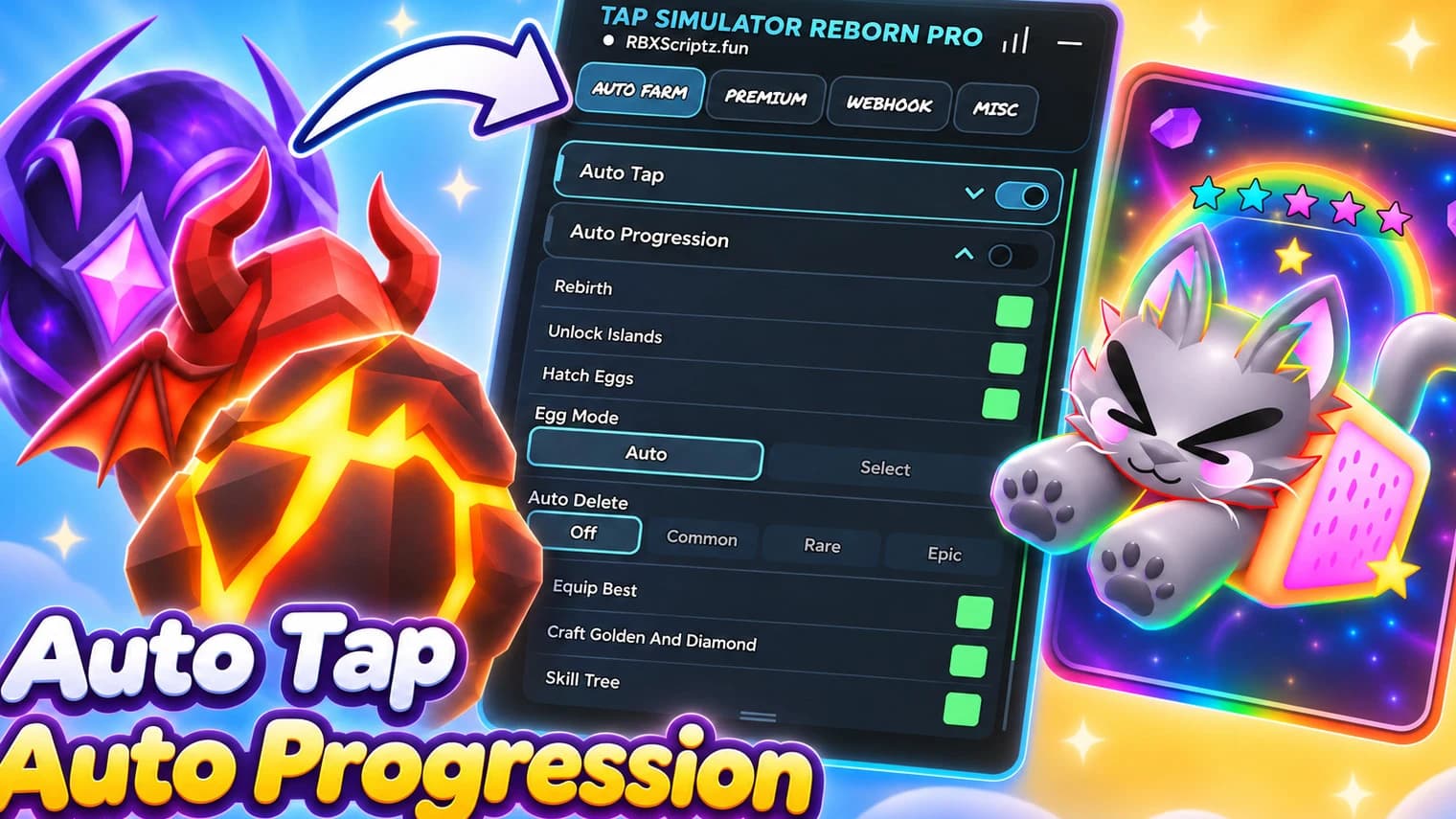
- Auto Tap — Automatically performs taps to help increase your click progress.
- Hide Tap Effects — Removes tap effects and visual popups for a cleaner gameplay experience.
Rebirth
- Rebirth Amount — Choose your preferred rebirth amount or select Max.
- Auto Rebirth — Automatically performs rebirths based on your selected amount.
Progression
- Upgrade Skills — Automatically purchases available skill tree upgrades.
- Unlock Islands — Automatically progresses through available island unlocks.
- Collect Rewards — Collects available quests, pet index, offline, and leaderboard rewards.
- Dismiss Popups — Automatically closes reward popups.
- Collect Chests — Checks and collects available island chests.
Optimization
- Optimize Visuals — Reduces selected visual effects and graphics elements to help improve performance.
Hub Controls
- Stop All Tasks — Stops all active automation tasks.
- Unload Hub — Properly unloads the hub and restores supported settings.
🥚 EGGS
Egg Hatching
- Egg Selection — Choose which egg you want to hatch.
- Hatch Quantity — Configure the number of eggs to hatch, with 1x, 3x, 8x, and Max options.
- Auto Hatch — Automatically hatches your selected eggs.
- Skip Animations — Skips egg opening animations for faster hatch cycles.
Auto-Delete Rules
- Pets to Auto-Delete — Select specific pets that should be automatically deleted.
- Rarities to Auto-Delete — Configure automatic deletion based on pet rarity.
🐾 PETS
Team Setup
- Team Focus — Choose between Clicks, Gems, and Luck.
- Equip Best Team — Automatically equips the best available team based on your selected focus.
- Feed Pets — Automatically feeds eligible equipped pets using available treats.
Pet Cleanup
- Rarities to Delete — Select which pet rarities to include in cleanup.
- Variants to Delete — Choose Normal, Golden, Diamond, or Rainbow variants.
- Pets to Delete — Select specific pets for cleanup.
- Delete Pets — Automatically processes pets matching your selected cleanup filters while protecting equipped and reserved pets.
⚒️ CRAFTING
Golden Machine
- Craft Success Chance — Select the desired crafting chance.
- Pets for Golden — Choose which pets to use.
- Craft Golden — Automates Golden Machine crafting.
Diamond Machine
- Craft Success Chance — Configure the desired crafting chance.
- Pets for Diamond — Select eligible pets.
- Craft Diamond — Automates Diamond Machine crafting.
Rainbow Machine
- Rainbow Craft Time — Select the crafting time and required pet quantity.
- Pets for Rainbow — Choose which pets to use.
- Craft Rainbow — Automates Rainbow Machine crafting and checks completed crafting queues.
Star Collection
- Collect Stars — Automatically searches for and collects available Shiny Stars.
✨ ENCHANTING
Pet Enchanting
- Enchantments to Apply — Select your preferred enchantment traits.
- Pets to Enchant — Choose Equipped Pets, All Owned Pets, or specific pet types.
- Enchant Pets — Automatically processes selected pets according to your chosen enchantment preferences.
🌎 TRAVEL
Island Travel
- Island Destination — Select your preferred destination.
- Travel to Island — Travel to your selected island.
- Travel on Join — Automatically travels to your selected destination after joining the game.
🛠️ TOOLS
Mini-Games
- Play Colosseum — Automates Colosseum wave progression and reward collection.
- Memory Match — Automates the Memory Match mini-game using remembered card positions.
- Auto Dig — Automates the Digging mini-game.
Potions
- Potion Types — Select which boost types you want to use.
- Use Boosts — Automatically activates available selected boosts.
- Potion Selection — Choose which potion to brew.
- Craft Potions — Automates potion machine management, including available claims and crafting.
- Potion Craft Quantity — Select the purchase quantity: 1, 3, or 10.
- Buy Potions — Purchases the selected potion bundle.
Boosts
- Shrine Blessing — Choose between Luck, Golden, and AutoClicker blessings.
- Claim Shrine — Automatically claims your selected shrine blessing.
- Activate Totems — Automatically places available totems when needed.
- Relic Selection — Choose a specific relic or use Automatic selection.
- Claim Relics — Automatically manages relic selection and equipping.
⚙️ ADDITIONAL FEATURES
- Live Activity — Displays automation activity and status updates.
- Individual Status Displays — Shows the current state and run count of supported functions.
- Error Notifications — Provides notifications when supported operations encounter errors.
- Auto Configuration — Saves and loads supported hub settings.
- Anti-AFK — Helps prevent idle disconnection.
- Runtime Cleanup — Stops background tasks and restores supported visual and game settings when unloading.
10 lines · 506 B
Share what works, ask questions, or report an issue.
No comments yet. Be the first to share your experience with this script.

anthonyamiTap Simulator: Reborn

RBXScriptzTap Simulator: Reborn

ReefHubVerifiedTap Simulator: Reborn

vxqVerifiedTap Simulator: Reborn


bypasshubVerifiedTap Simulator: Reborn

abcconfirmTap Simulator: Reborn
Advertisement
Advertisement